Just after I published my review of the entry-level Ruko U11 Mini 4K, Ruko announced the updated RC3 version, which replaces the phone connection with a controller featuring a built-in screen.
The drone itself hasn’t changed. It’s still a sub-250 gram drone with a half-inch sensor, a three-axis gimbal and 4K video recording. If you’d like more information on the drone with the standard controller, there’s a link to my original review on screen and down below.
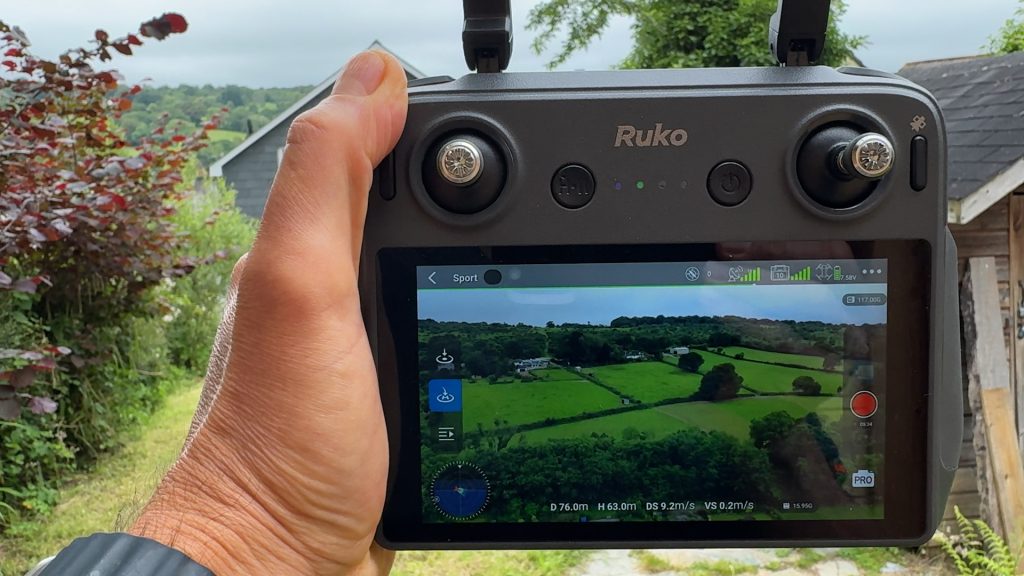
But I thought the new controller made it worth revisiting. So in this short follow-up video, I’ll run through the RC3 controller, show some further footage so you can see the image quality for yourself and give you my thoughts on the overall package and whether it might be the right drone for you.
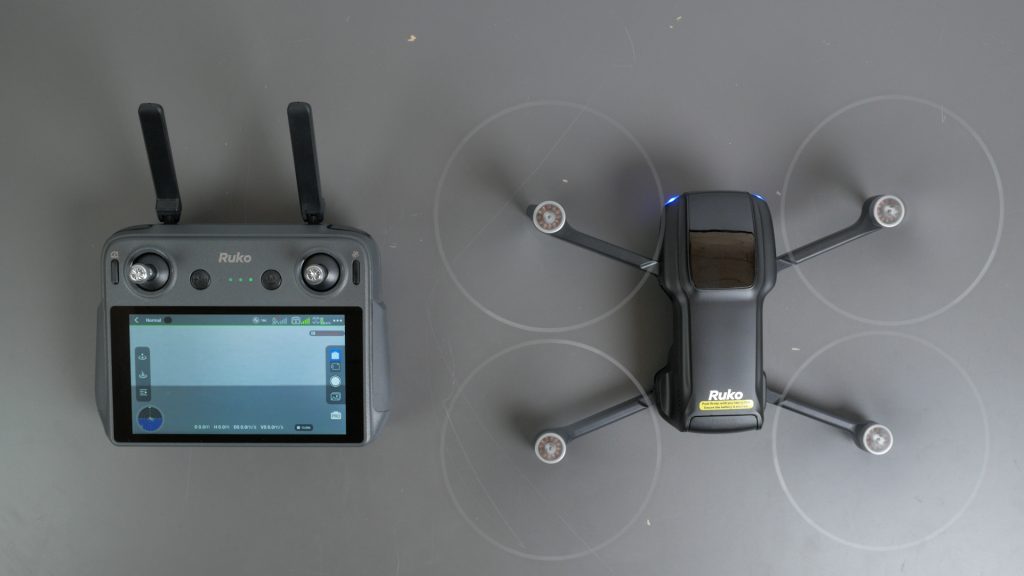
Like DJI’s screen controllers, which are available with some of its drones, everything is built in, so there’s no need to use your phone. You simply turn on the controller, turn on the drone and after around 40 seconds everything is connected and ready to fly.
That might not sound like a big deal, but it makes the whole experience much more convenient. You’re not messing around with cables, you don’t have to worry about calls or notifications interrupting things and you’re not using up your phone’s battery while flying.
The controller itself is well built and actually feels more premium than the drone itself. It looks and feels very similar to the DJI remotes, with a similar button arrangement and screw-in sticks that can be stored in the base.
One nice advantage over the DJI remote is a dedicated cruise control button – a feature I use all the time.
Having crashed the drone during my original review, I can confirm that’s a genuinely useful feature.
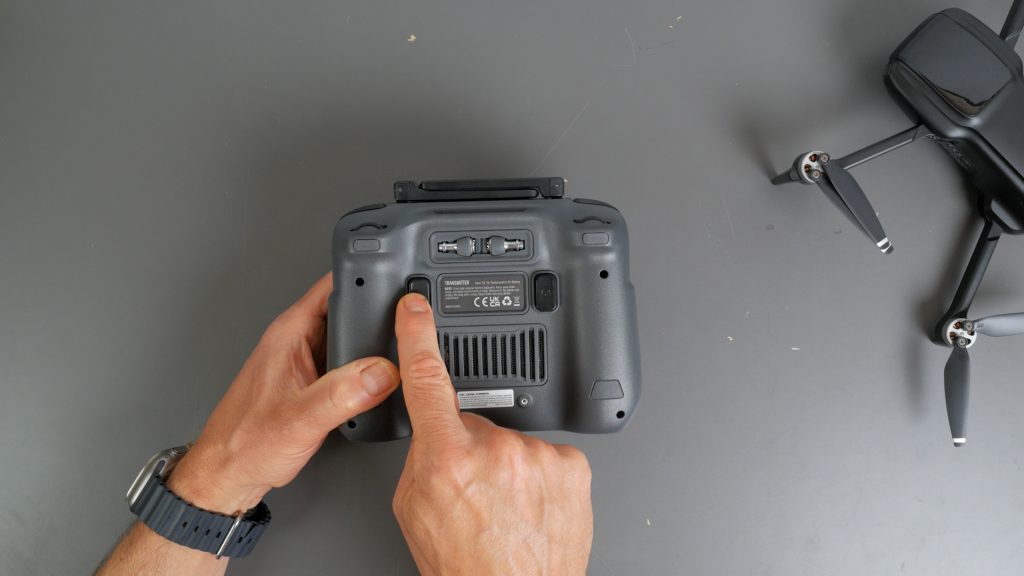
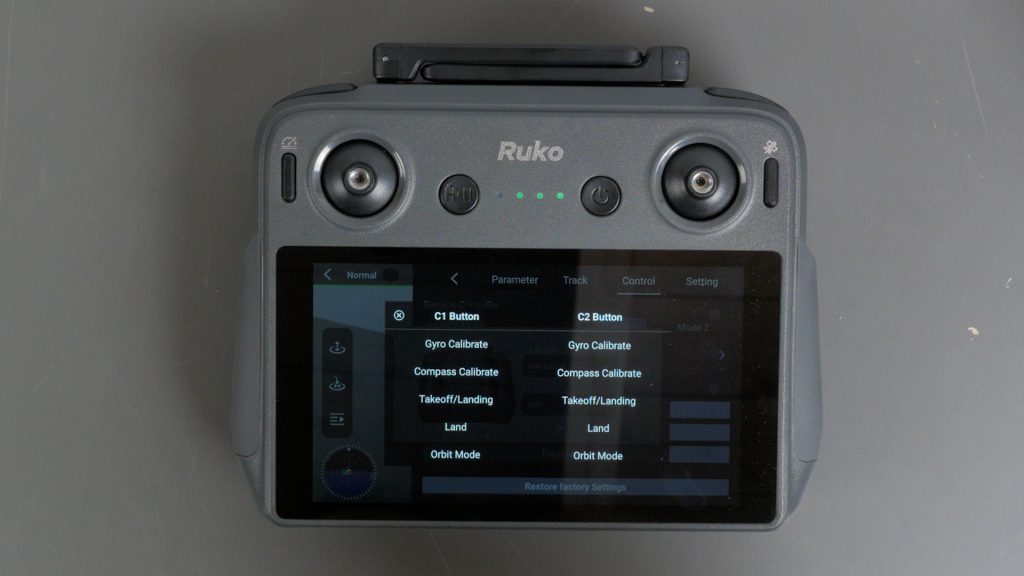
There are also two customisable buttons on the back. By default, C1 controls the one-tap tilt, which is still painfully slow, while C2 activates the drone’s audio alert.
The touch screen itself is responsive and bright enough outdoors. I couldn’t notice much difference compared to DJI’s RC2 remote I have here.
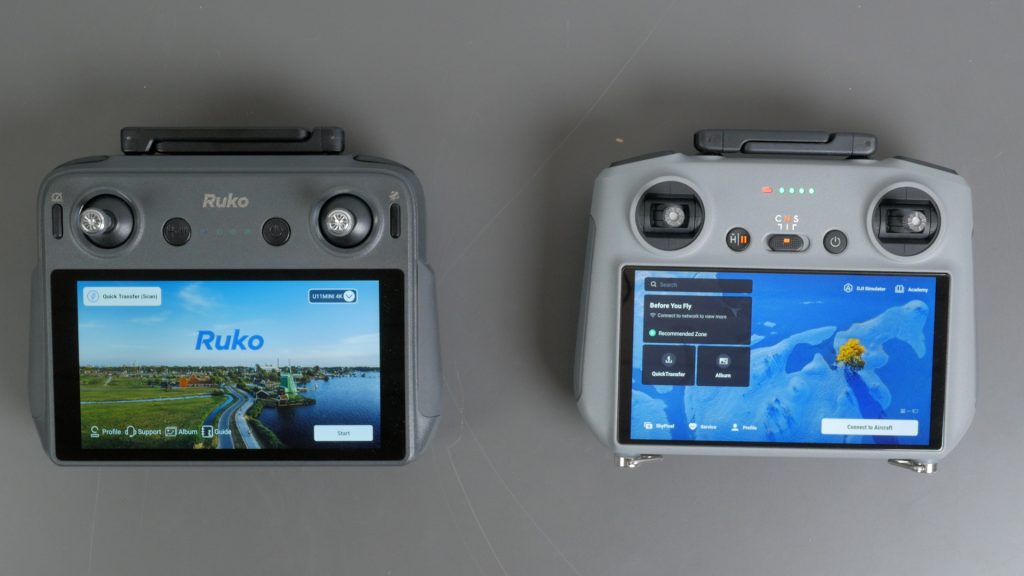
Swiping up on the screen hides the flight information for a full-screen view, which works well when you’re composing your shot.
The controller has a built-in 5800mAh battery which charges via USB-C and, so far, I’ve managed plenty of flights without needing to recharge it.
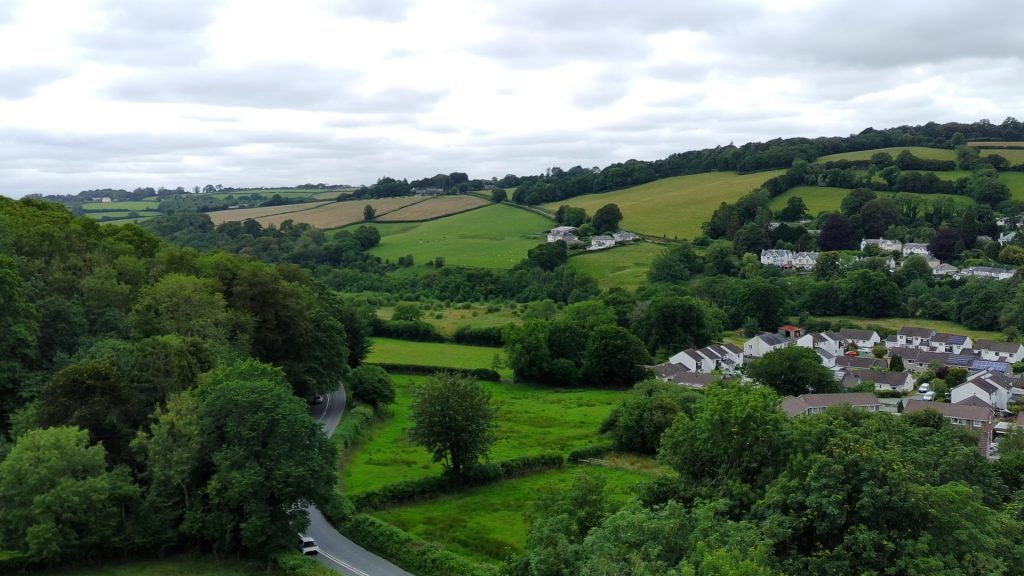
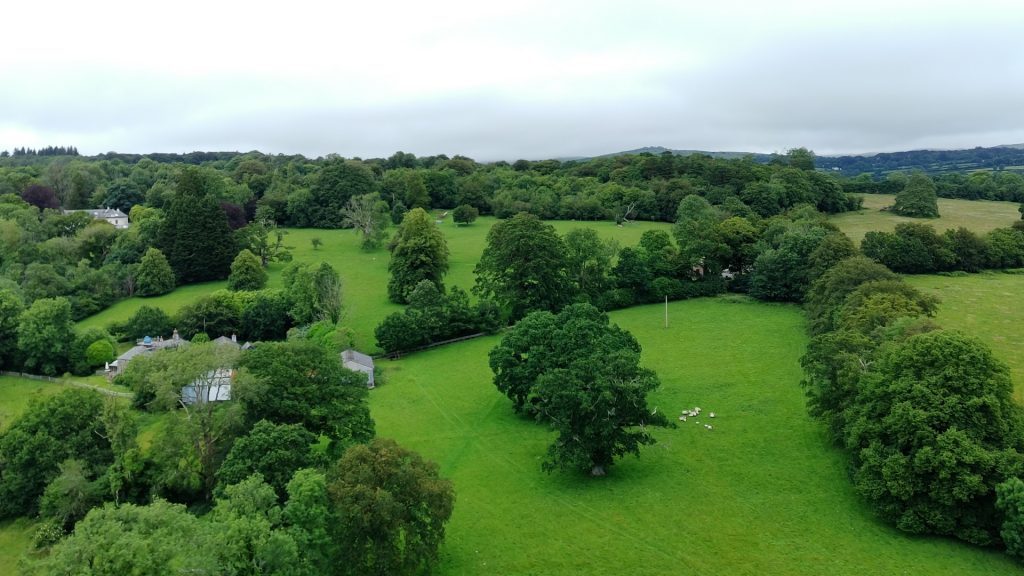
The drone itself remains unchanged. Battery life is still good and image quality is perfectly respectable. DJI definitely has the edge when it comes to image quality, but overall I think the footage is more than good enough for most people. I would still like Ruko to offer a 50fps video mode for PAL regions such as the UK though.
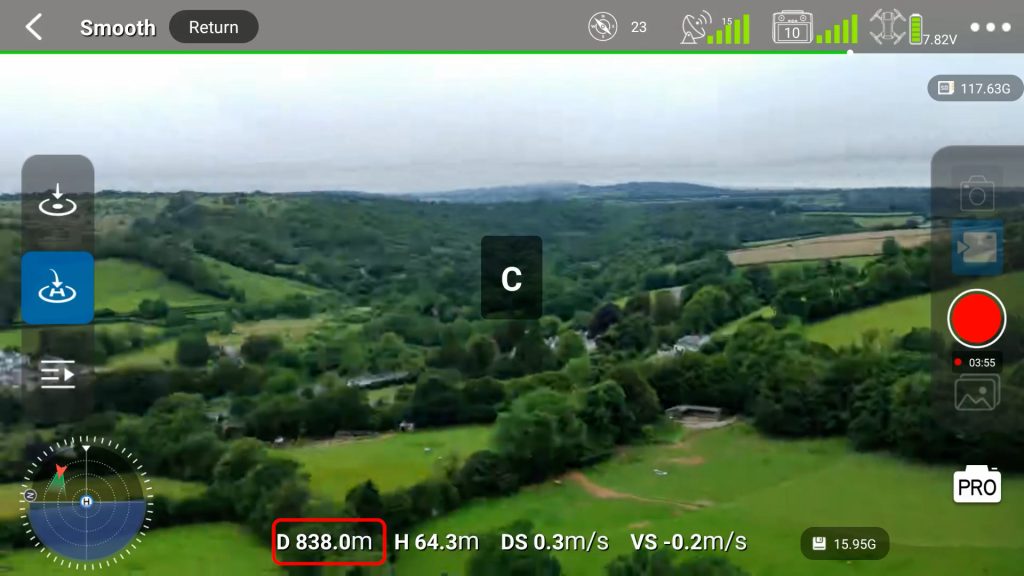
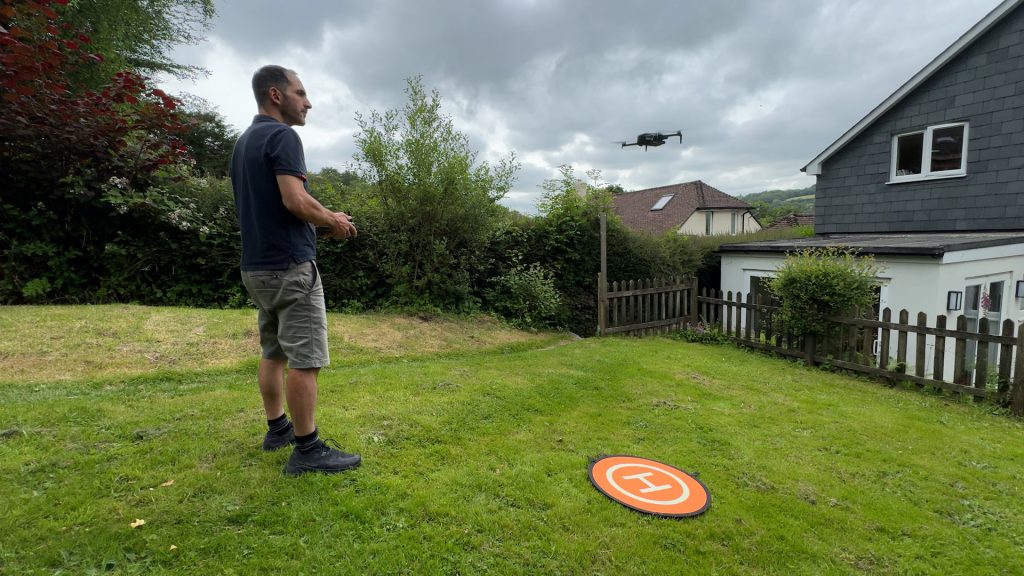
I didn’t notice much difference in range compared with the standard controller. With line of sight I got to over 800 metres before the drone started automatic Return to Home.
With trees and other obstacles in the way though, I often saw more like 300 metres before the live view started becoming jerky or the drone starting returning home.
There’s still no obstacle avoidance, which does make me nervous, particularly during automatic Return to Home. With hilly terrain and lots of trees, I set the Return to Home altitude to a cautious 60 metres.
One area where you definitely notice the difference compared with DJI is the software experience. The controller runs Android, but it’s simply not as polished as DJI customised Android operating system.
For example, when prompted for a software update, I was taken to a webpage to download an APK file and install it manually. It works, but it isn’t particularly elegant – and the download was surprisingly slow despite a fast internet connection.
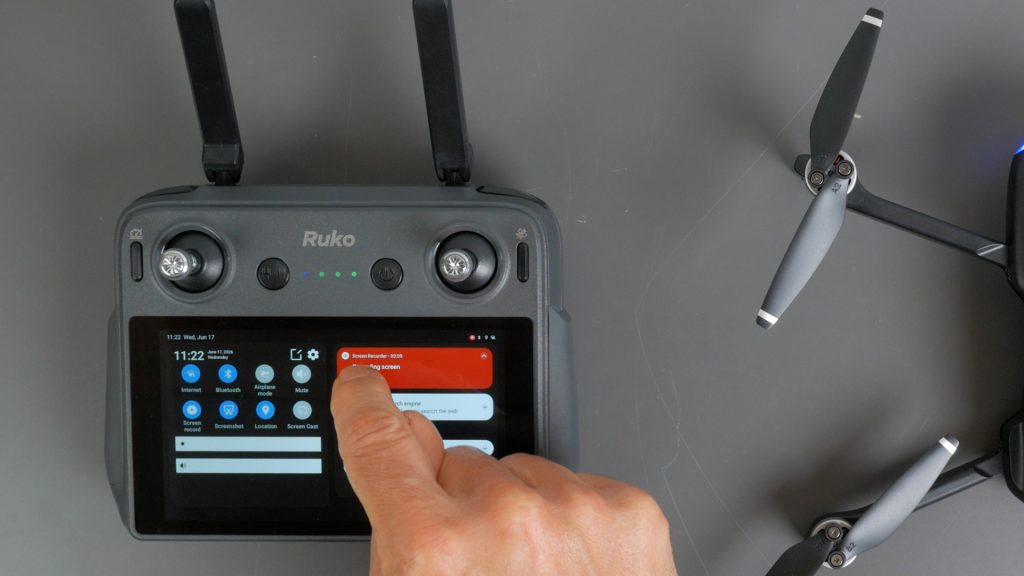
Screen recordings are also saved to the internal 32GB of storage and can’t be directed straight to the microSD card, so you need to copy them across afterwards.
I found it easier just to use the pre-installed LocalSend app, which worked very well. Simply install the free open-source LocalSend application on your PC or Mac and you get quick access to your recordings.
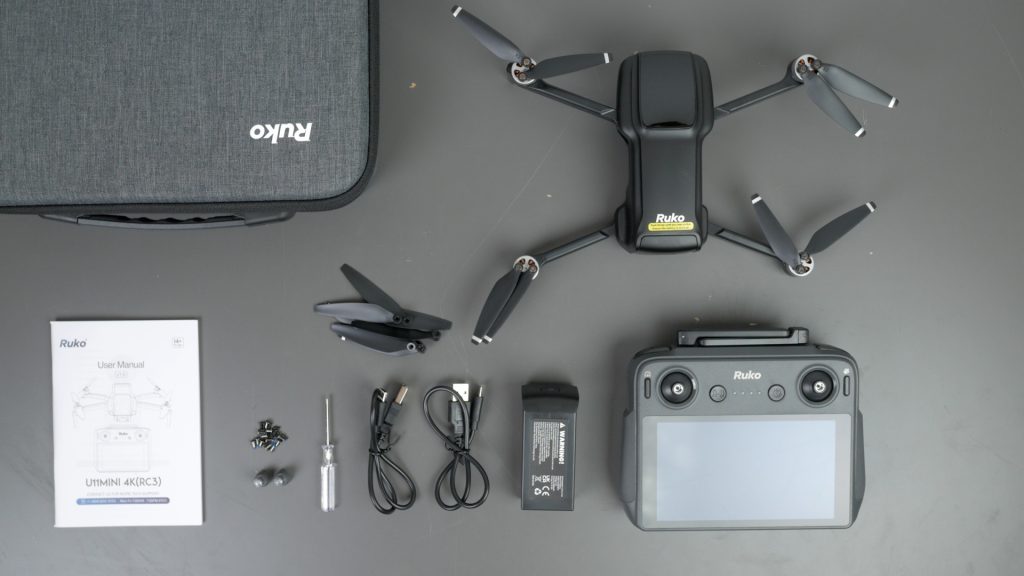
As for what you get in the box, Ruko includes a semi hard carry case, the drone itself, the RC3 controller, two batteries, charging cables and spare propellers, so everything you need to get started is included.
For me, the biggest issue is the price. At the time of filming, DJI’s Mini 3 Fly More Combo with the original RC screen controller is available for just £359, and even their new Lito X1 combo with the RC2 controller comes in cheaper.
I’m sure the price will drop, and if Ruko can get the price down significantly, then I think this could become a much more interesting option. And in regions where you simply can’t buy DJI drones, it’s good to have alternatives.
Overall though, I think Ruko has done a good job with the controller. It makes the whole experience much more enjoyable. Being able to just pick it up and fly without messing around with your phone makes quite a difference.
Don’t forget to take a look at my YouTube video at the top of the page, and again please subscribe to my YouTube channel where I’m releasing videos every week on the latest technology and how to get the most out of it. If you tap the bell icon when you subscribe you’ll get a notification as soon as I release a video, and there’ll be a link to my site here for the written article. YouTube is also the best place to leave a comment. I read all of them and respond to as many as I can!
Amazon link:
Ruko U11MINI 4K (RC3): https://amzn.to/4aTxxGg
Leave a Reply