The Bluetti E30 V2 is one of the smallest, lightest, and least expensive power stations you can buy with a 600-watt inverter, a 140-watt USB-C output, and built-in solar and car charging. I’ve been putting it through real-world testing to see how it performs and whether it deserves a place on your shortlist.
Let’s take a closer look.
Overview
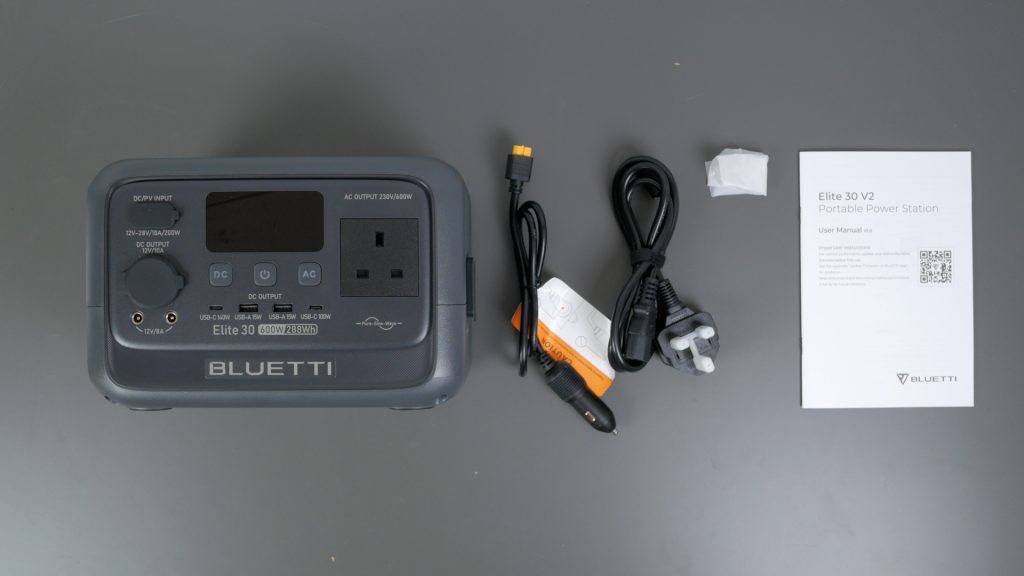
In the box, you get the power station itself, a car charging cable with an XT60 connector, a mains charging cable, the manual, and a grounding screw.
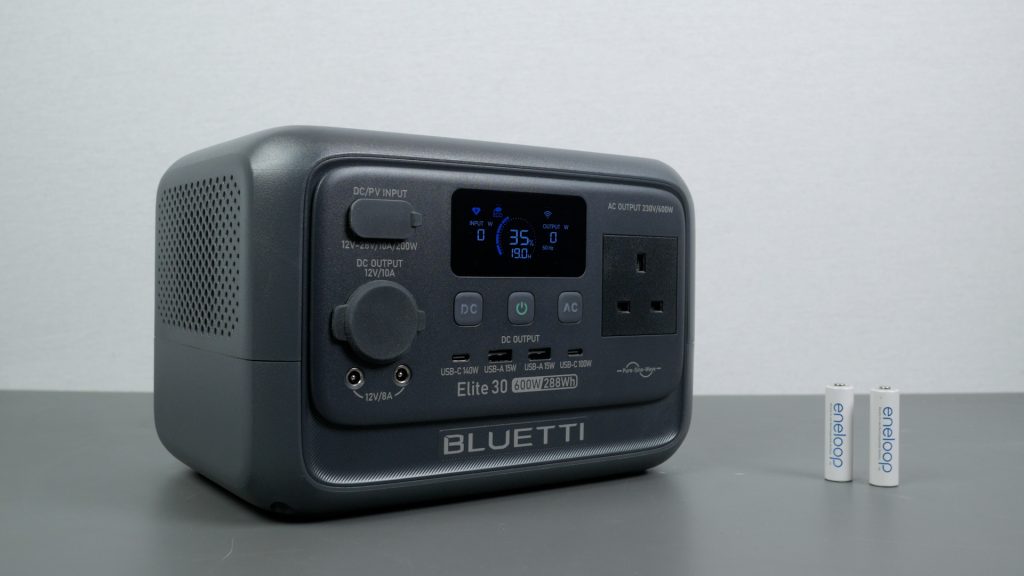
The power station weighs 4.3 kg, which is a little heavier than similar compact units like the Jackery 240 V2 and Bluetti AC2A.
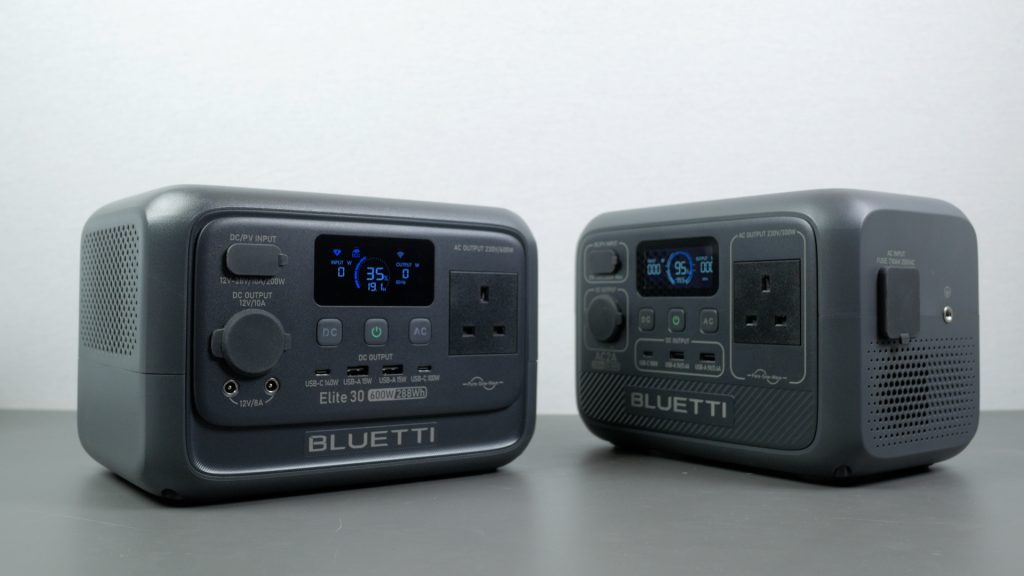
But it does have a more capable 600 W inverter and a larger 288 Wh battery, and it’s still compact enough to be easily portable. You can see how it compares in size to the AC2A on screen.
It uses an LFP battery rated for 3,000 cycles to 80%, or roughly a ten-year lifespan, and Bluetti backs that up with a five-year warranty.
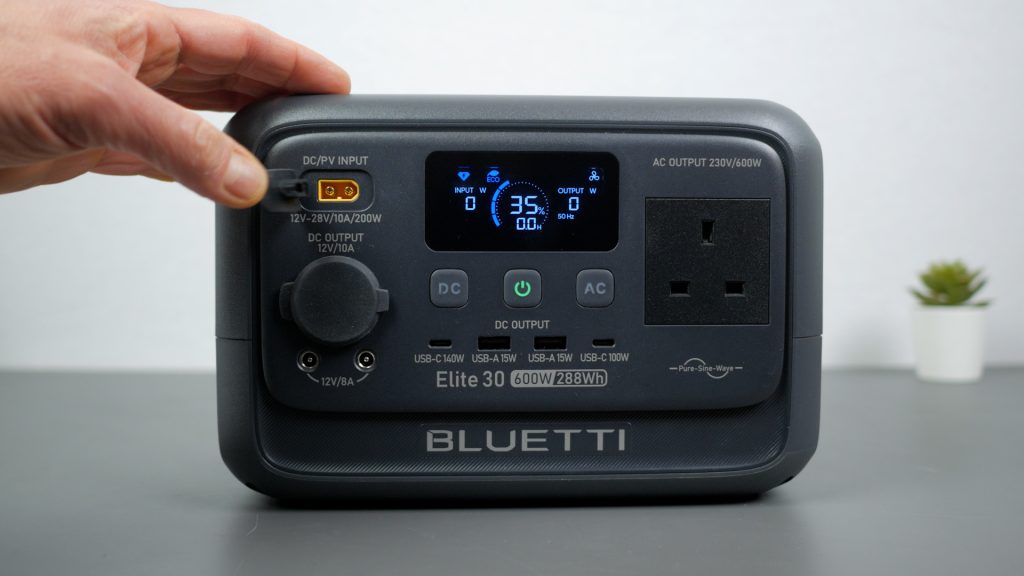
Physically, it’s a simple, functional design with an integrated carry handle and a solid, hard-plastic shell that feels well built. On the front you’ll find the display and the DC input for car and solar charging. Below that are the power button, separate controls for the AC and DC outputs, and the single AC outlet on the UK model.
For DC and USB, there’s a 12 V car socket, two DC5521 outputs, a 140 W USB-C port, a second 100 W USB-C port, and two 15-watt USB-A ports. Around the side is the mains charging input and the grounding terminal.
A short press of the power button turns the unit on, a long press turns it off, and with the unit on you can toggle the display with another short press.
With that out of the way, let’s look at charging.
Charging
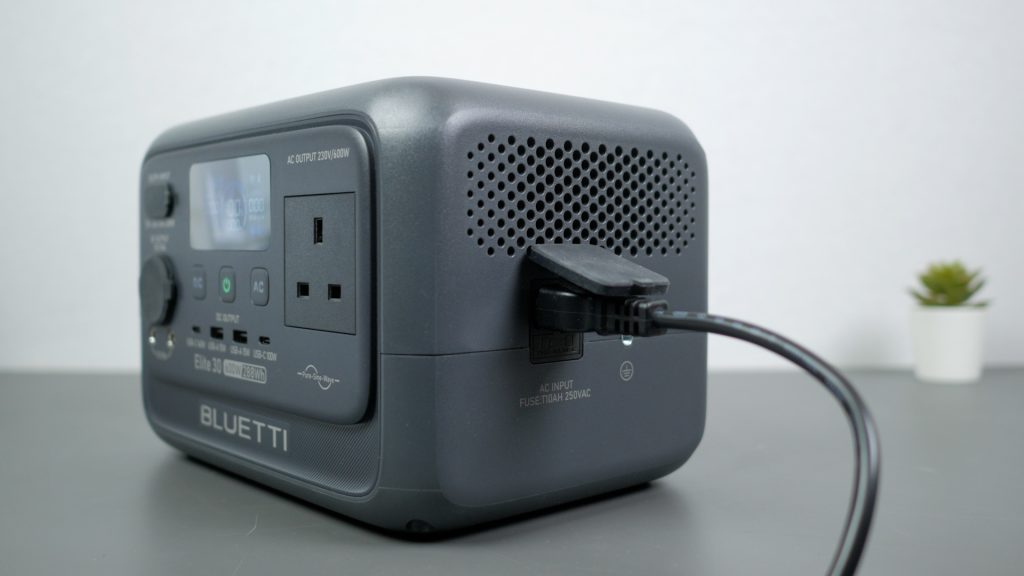
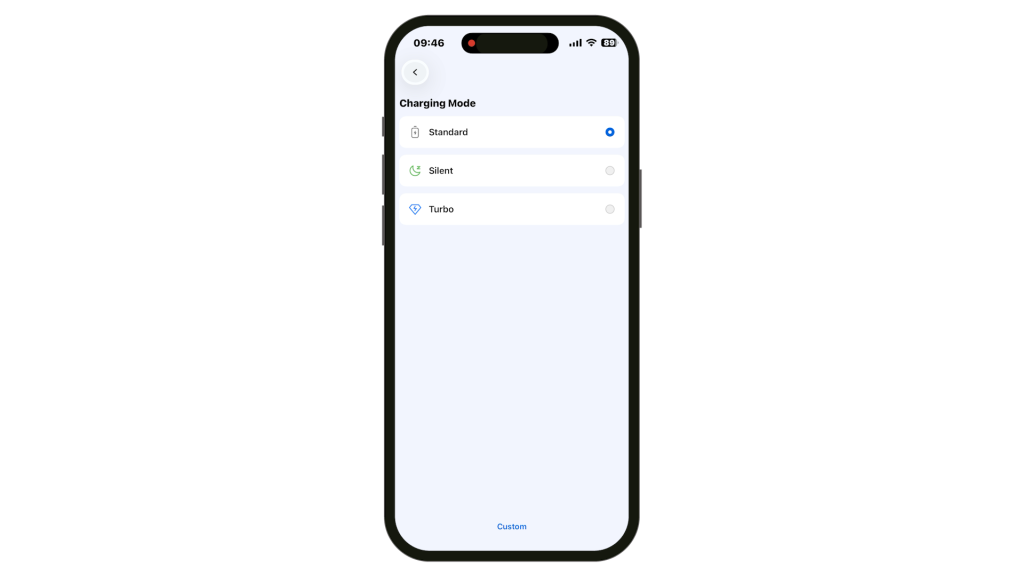
You can charge the Bluetti from mains using the included cable at up to 380 W. To get this fastest charging speed, you do need to set the charging mode to Turbo in the accompanying smartphone app.
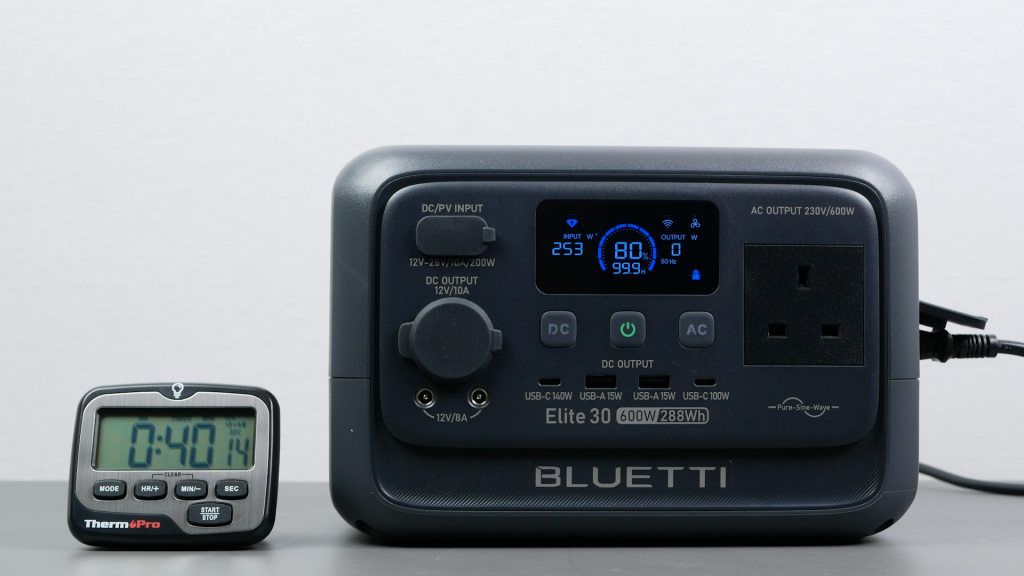
In my testing, it reached 80% in around 40 minutes — faster than Bluetti’s quoted 45 minutes – and a full charge took just 51 minutes.
There is also a Silent charging mode, but even in Turbo mode I couldn’t hear the fans over normal room noise.
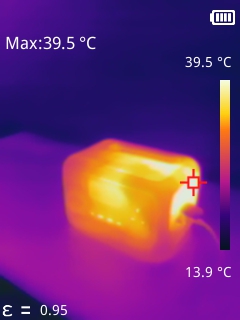
The power station didn’t get much over 40 °C either, although that will depend on ambient temperature — my office was around 19 °C during these tests.
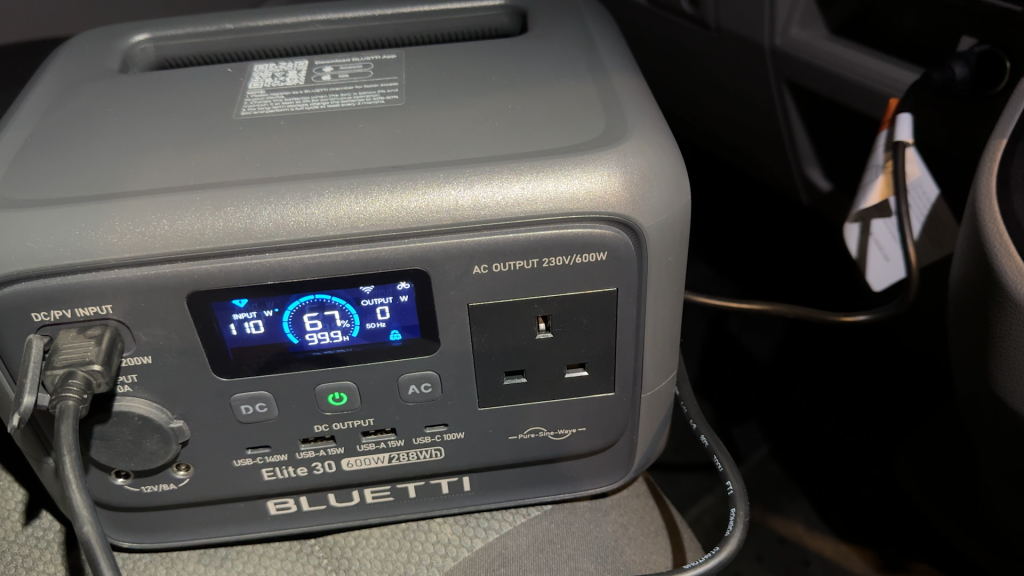
Using its standard XT60 DC input, you can also charge the power station from a car using the supplied cable. From a 12 V outlet it charges at around 110 W, which would fully charge the unit in roughly three hours.
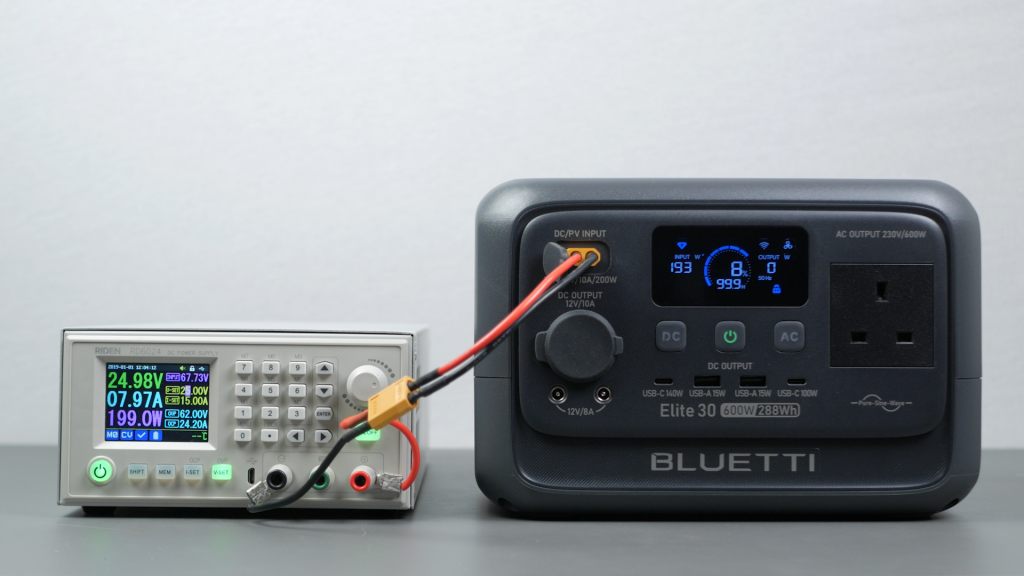
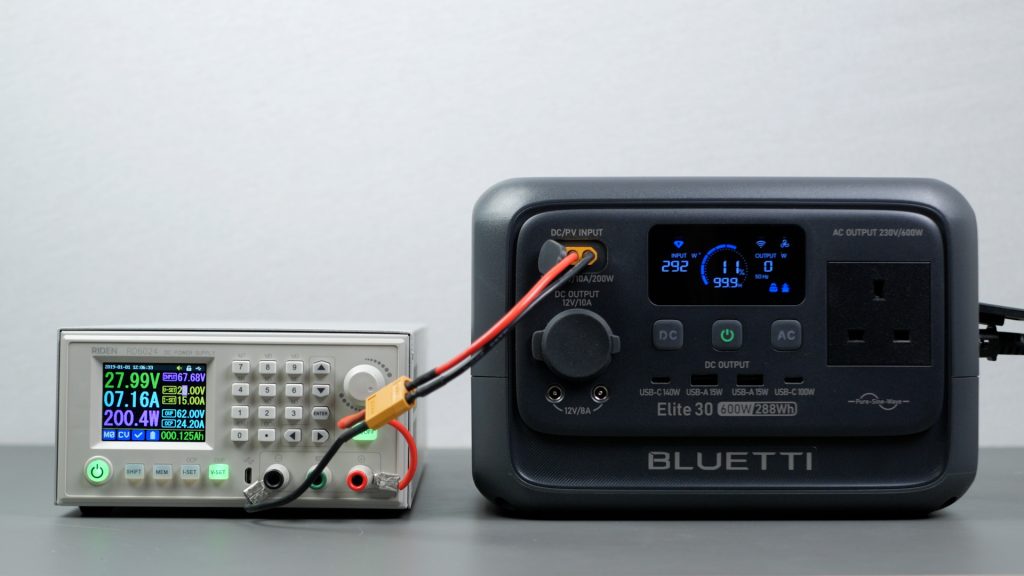
If your vehicle has a 24 V output, charging increases to 200 W, which I confirmed using my bench power supply.
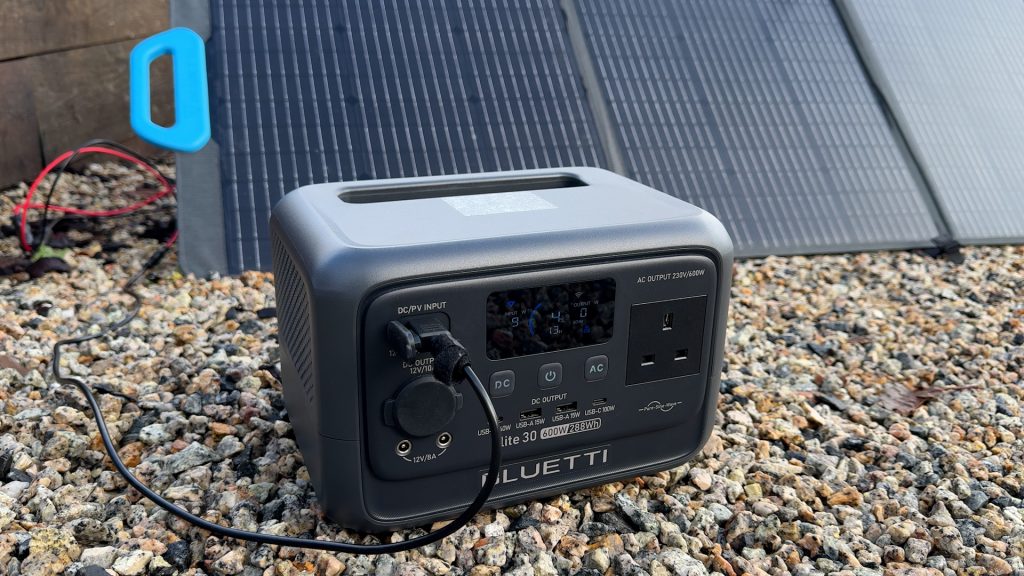
That same XT60 input also supports solar charging, up to 200 W between 12 and 28 V at up to 10 A. It’s winter here in the UK and we’ve had very little sun, so I could only confirm real-world solar charging using Bluetti’s well-matched PV200 200 W panel.
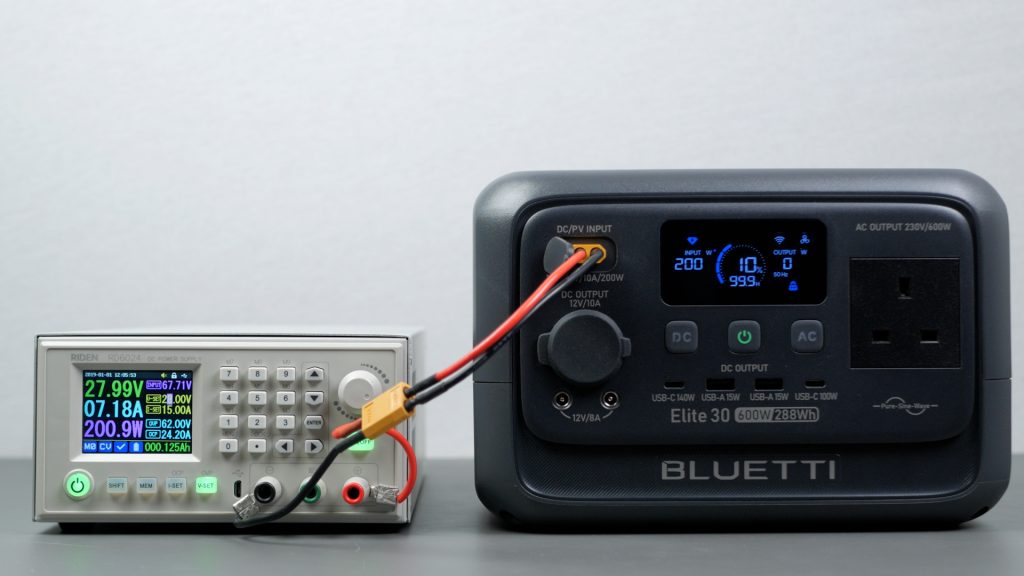
However, by simulating ideal sunny conditions with my bench power supply, I was able to achieve the full 200 W – meaning you could theoretically fully charge the power station in under two hours in the right conditions.
You can also charge from mains and solar at the same time. The Bluetti will prioritise solar input first, only topping up from mains as needed.
Performance
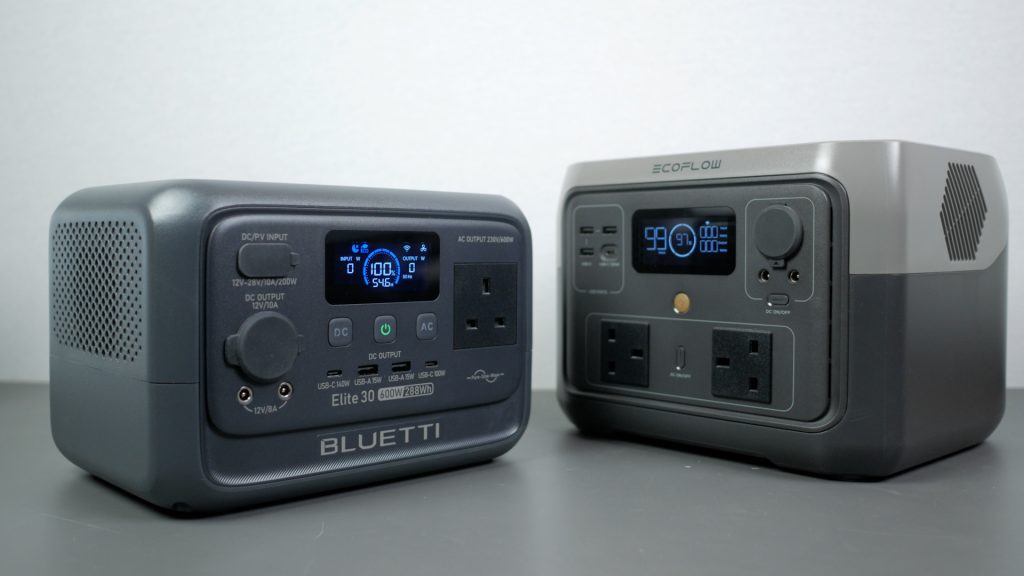
Probably the most impressive feature of this compact power station is its 600 W AC output. That’s actually more than my 500 W EcoFlow River 2 Max, even though the unit is smaller and lighter.
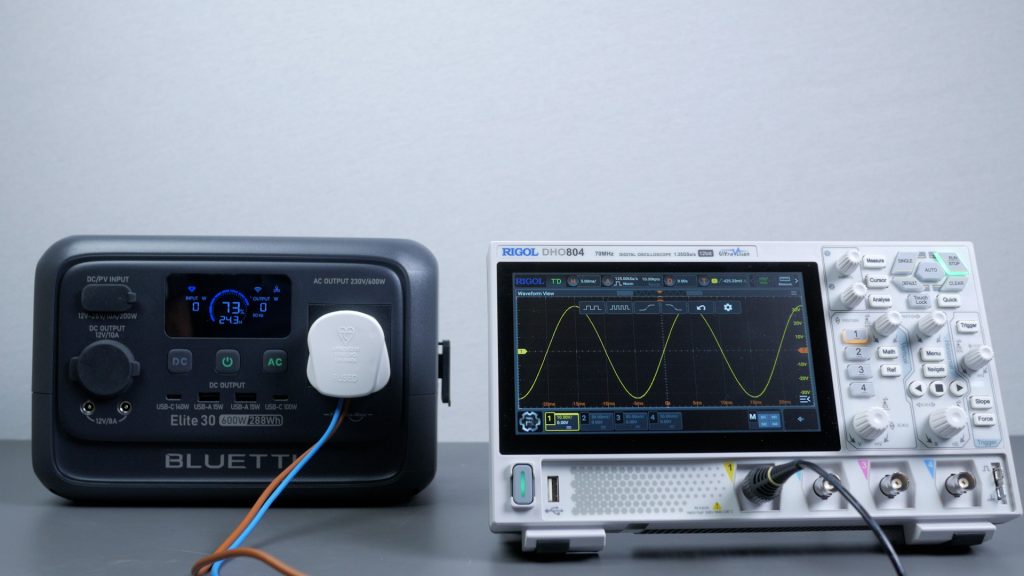
It’s a pure sine wave output, which is important for sensitive electronics, and I confirmed that with my oscilloscope.
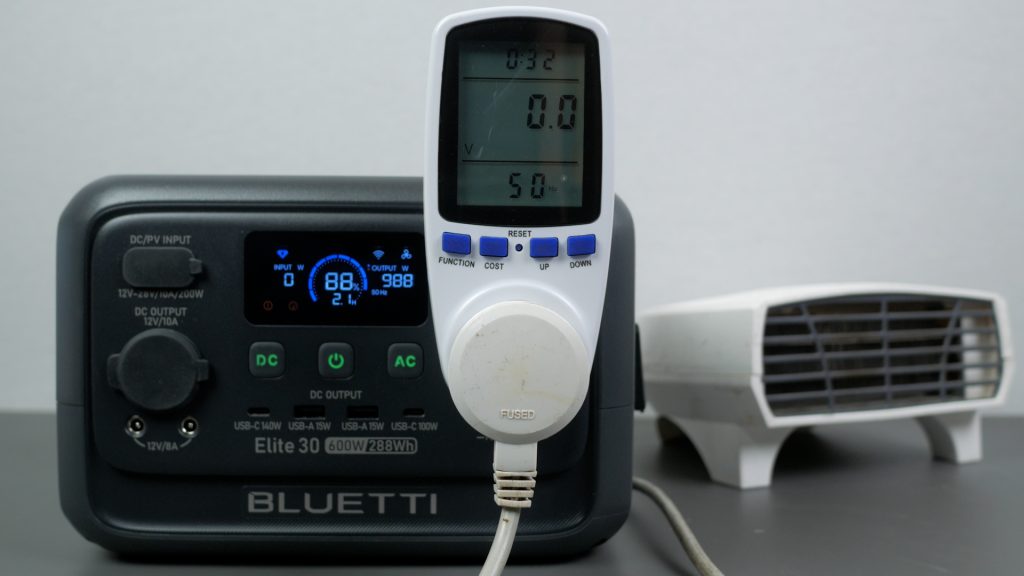
There’s also Bluetti’s Power Lifting mode, which allows it to run devices rated at up to 1500 W by lowering the output voltage.
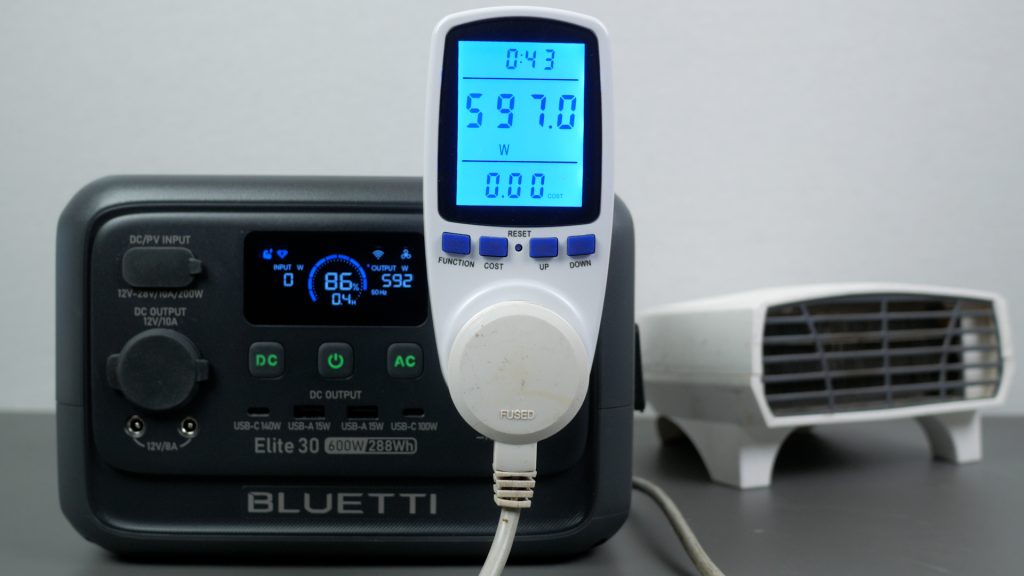
You’re still not getting more than 600 W of real power, and it’s only suitable for simple resistive loads, such as hair dryers.
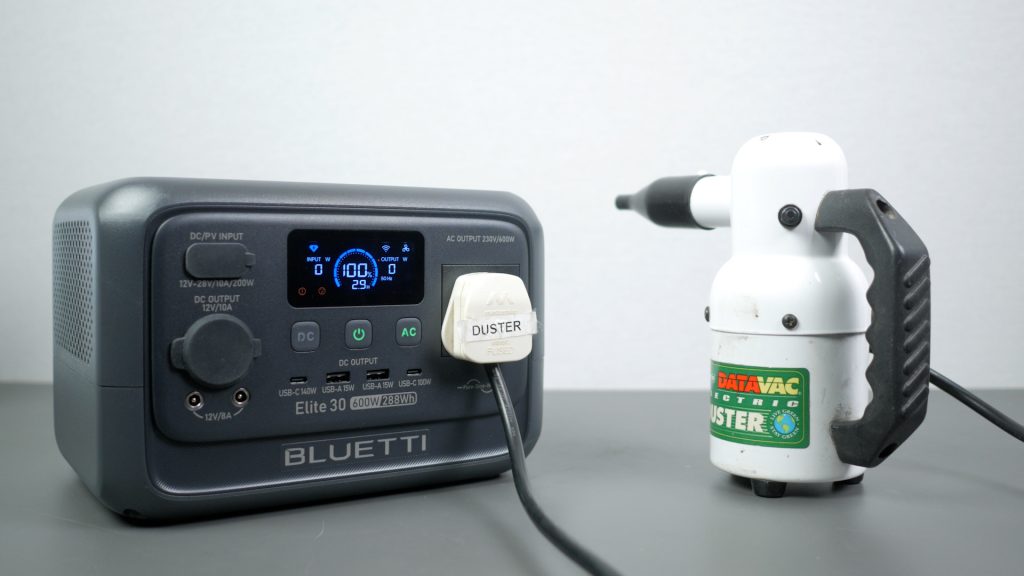
Bluetti doesn’t publish a proper inverter peak or surge rating that I can find, and I did manage to overload it with my 450 W mains air duster.
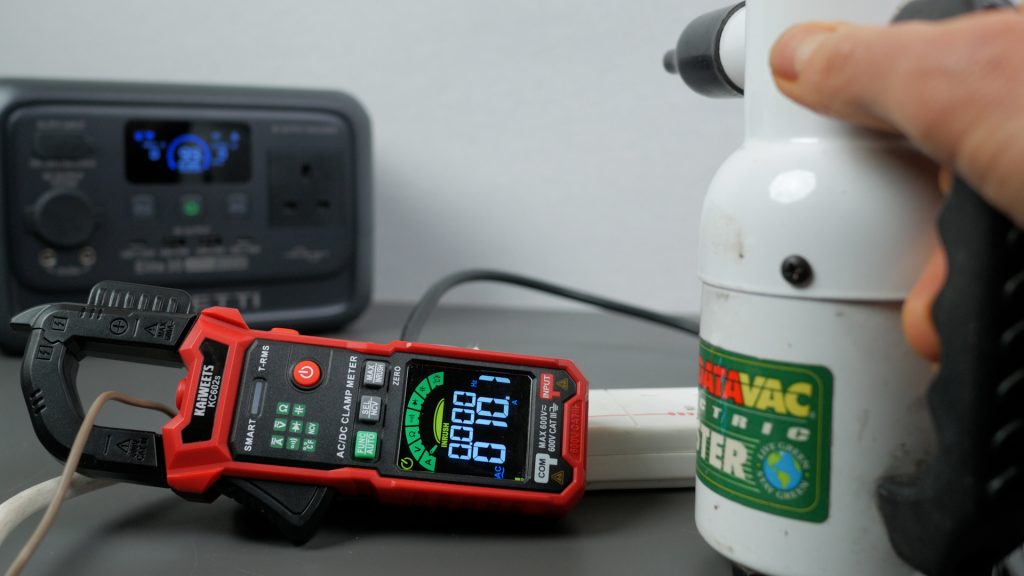
The issue isn’t the running power — the duster has no soft start, and I measured a startup current of over 10 A with my clamp meter, which works out at roughly 2300 W at switch-on.
Interestingly, the much smaller 300 W Bluetti AC2A ran the same air duster without issue, which suggests it handles short inrush spikes better.
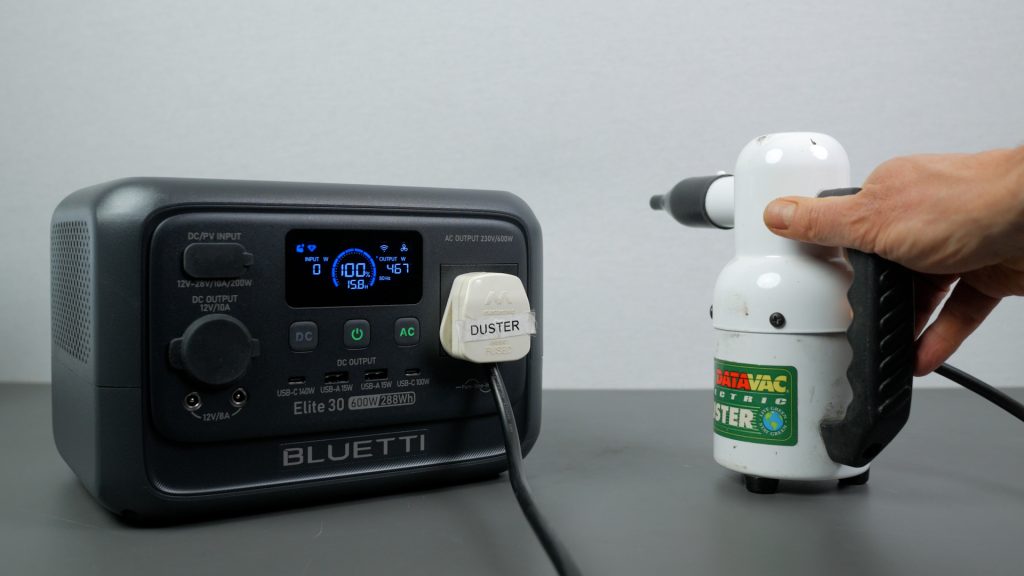
With Power Lifting enabled, the Elite 30 V2 could also run the air duster, but I’d generally leave Power Lifting turned off unless you really need it. Running anything even slightly sensitive at reduced voltage isn’t a great idea.
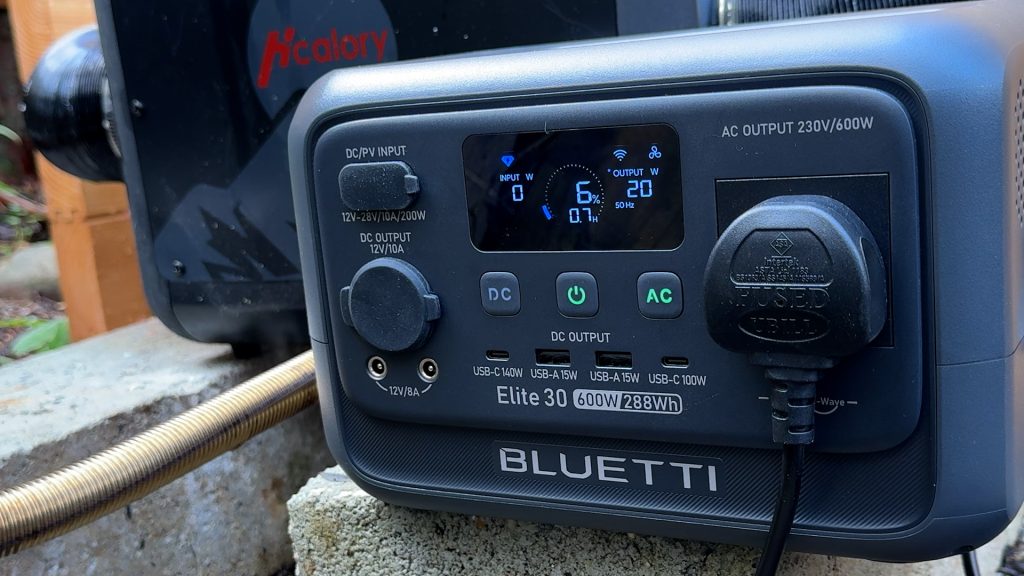
In normal use, though, the E30 V2 ran a wide range of devices around my house just fine. In my office it could run my diesel heater in the event of a power cut. That can draw over 100 W at startup, but once running it only needs around 20 W at lower outputs, which works out at roughly 12 hours of runtime from the 288 Wh battery.
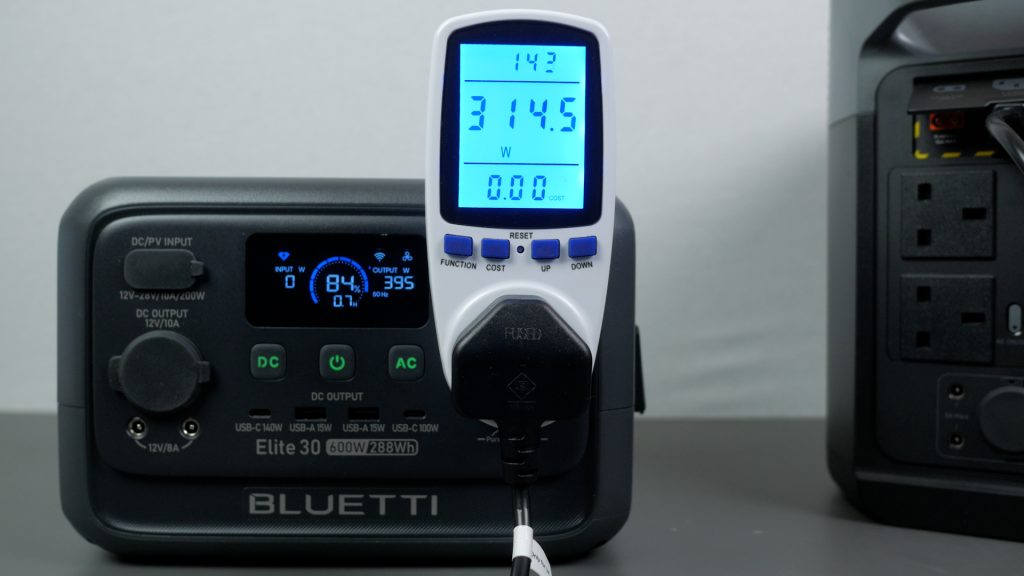
I did notice that the Bluetti’s power reading can look a bit high when compared to my energy monitoring plug.
That’s because it doesn’t account for power factor, so with some electronics it counts current that isn’t actually doing useful work.
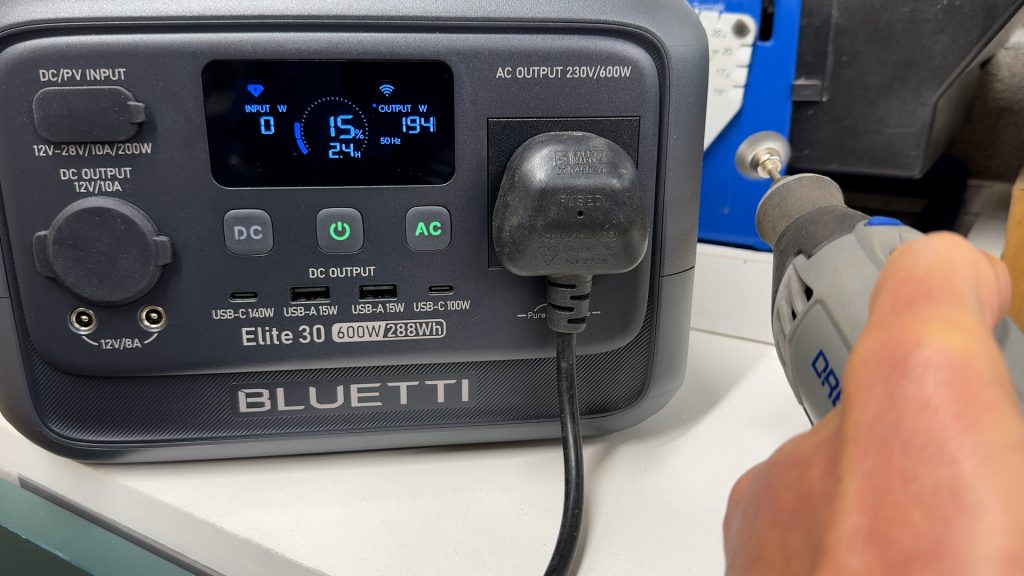
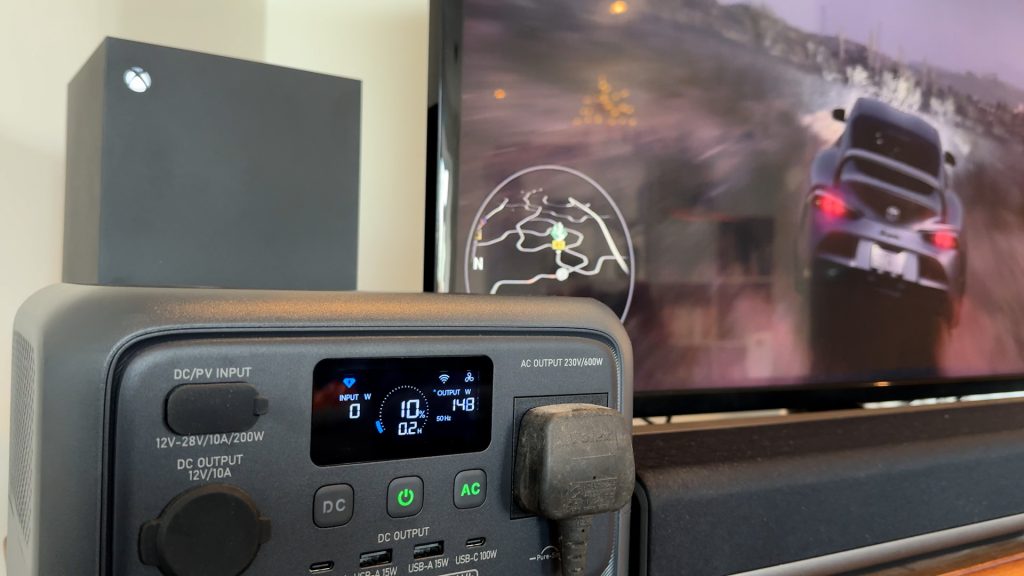
It could also run the television and my Xbox, as well as some less demanding power tools like a Dremel rotary tool and a Work Sharp tool sharpener.
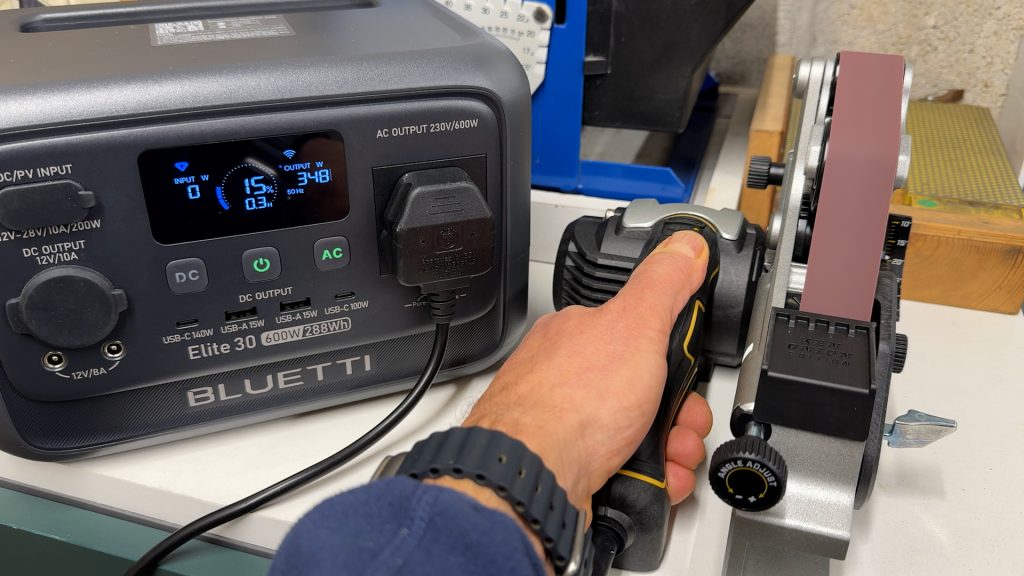
With its small battery, it’s really best suited to laptops, drones, and other tech, but it’s good that the inverter has enough headroom for more demanding items when needed.
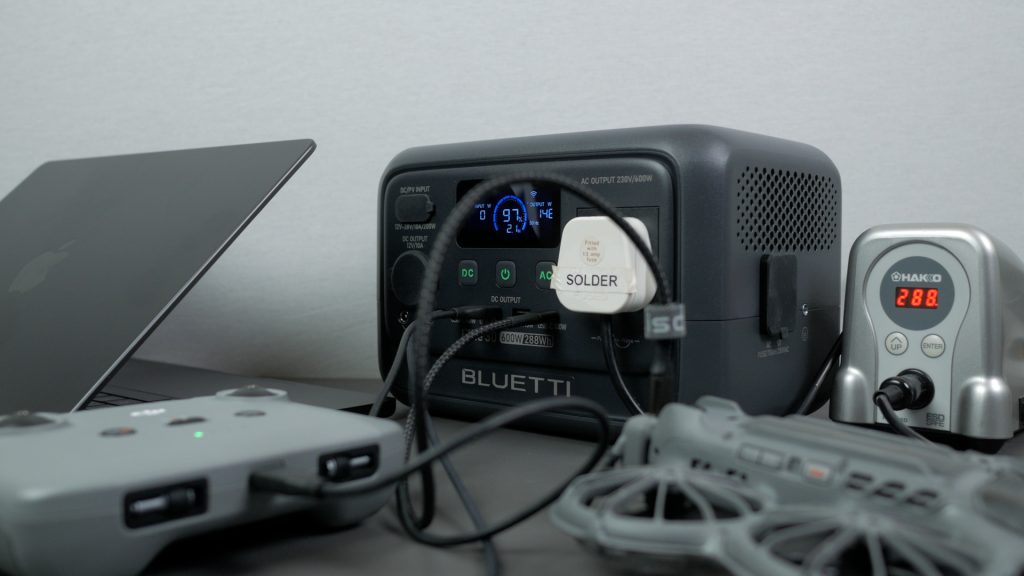
That brings me to its UPS, or Uninterruptible Power Supply mode. Bluetti pushes this feature heavily in its marketing, and while UPS functionality is fairly common on power stations, at this price it does make the E30 V2 a very versatile alternative to a dedicated UPS.
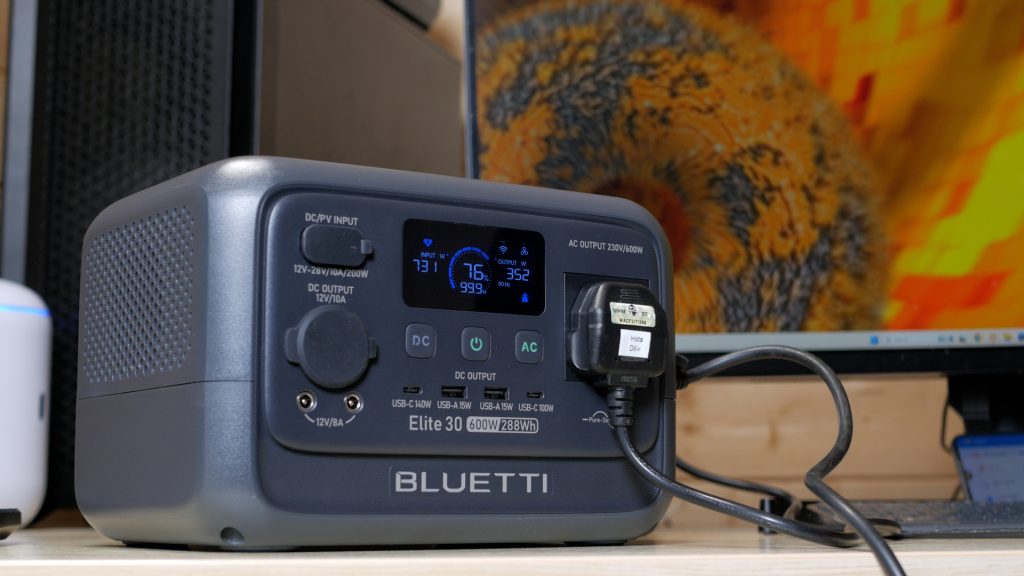
My desktop computer is plugged into the Bluetti. While the unit is connected to mains, my PC bypasses the internal battery and runs directly from the grid. If there’s a power outage, the switchover to battery power happens almost instantly — within 10 ms. With my computer running an intensive graphics benchmark, the Bluetti handled the transition flawlessly.
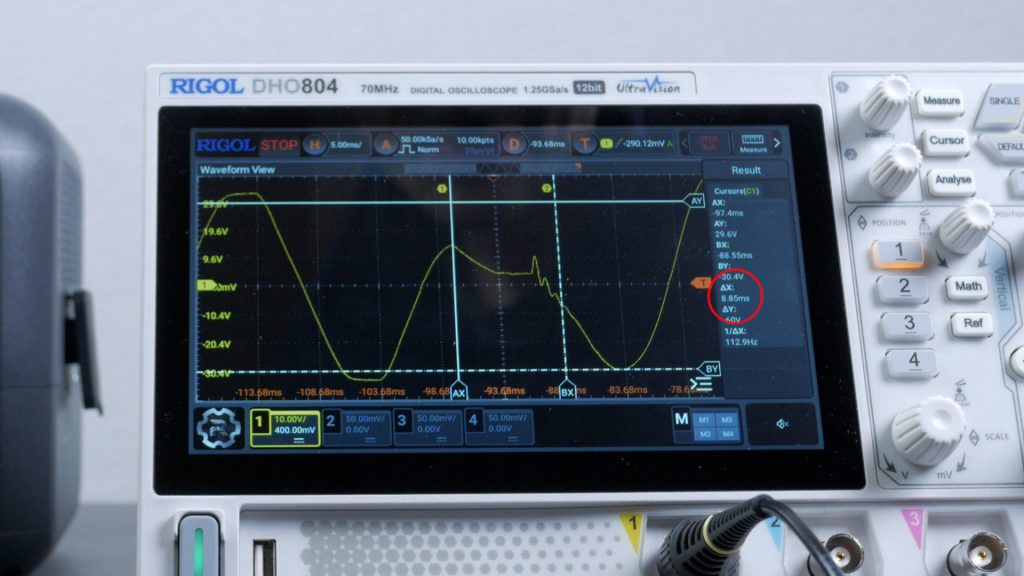
I also measured the transfer time with an oscilloscope and confirmed it was under 10 ms, as specified. In practice, it behaves exactly like a proper desktop UPS.
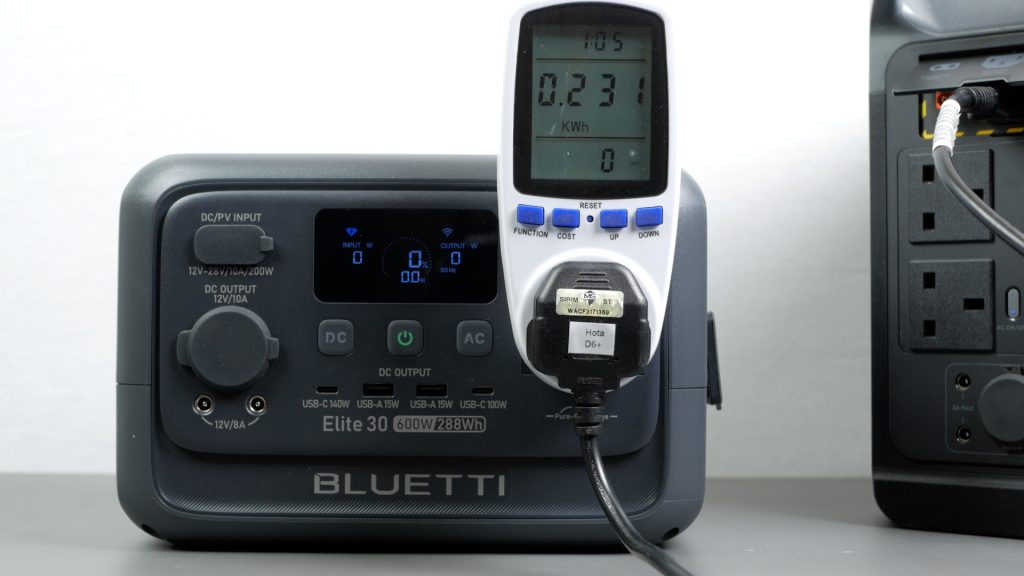
I also measured usable capacity. Running a constant AC load, I measured 231 Wh, giving an efficiency of around 80%, which is a little below average.
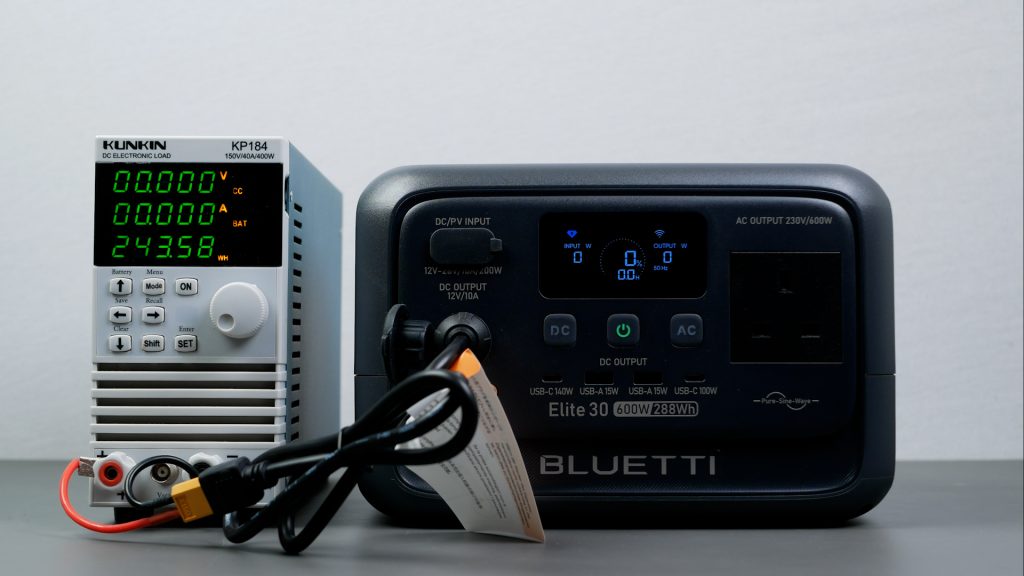
Running the same test on DC, I measured 244 Wh, or around 85% efficiency.
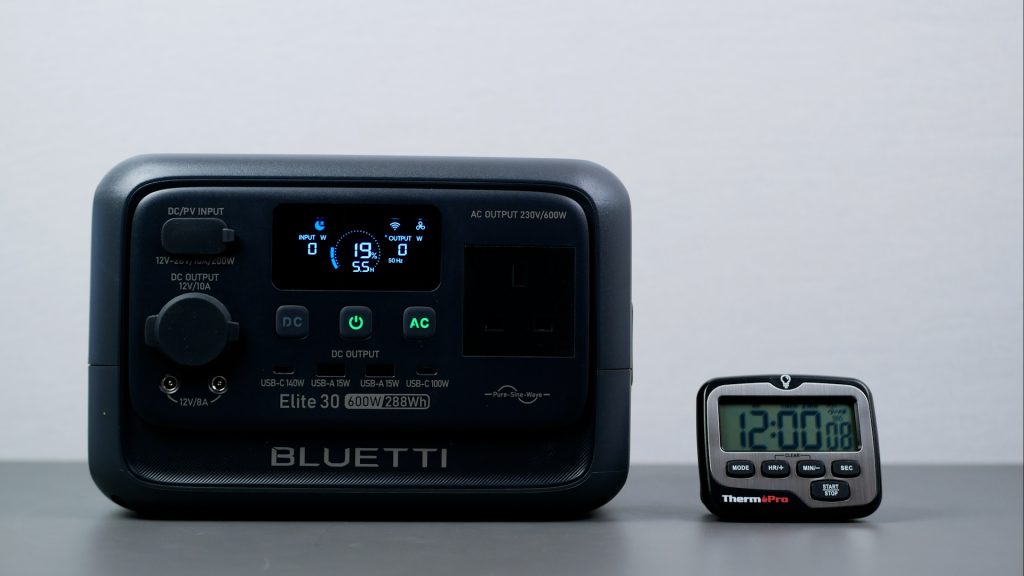
Both the AC and DC subsystems draw power even with no load attached. With Eco mode turned off, leaving AC enabled drained the battery from 100% to 19% in just 12 hours — around 19 W just to keep the inverter running. The DC subsystem fared slightly better, dropping to 24% in 20 hours, or around 11 W of parasitic drain. Neither result is great, so in most cases you’ll want Eco mode enabled to shut the outputs down automatically.
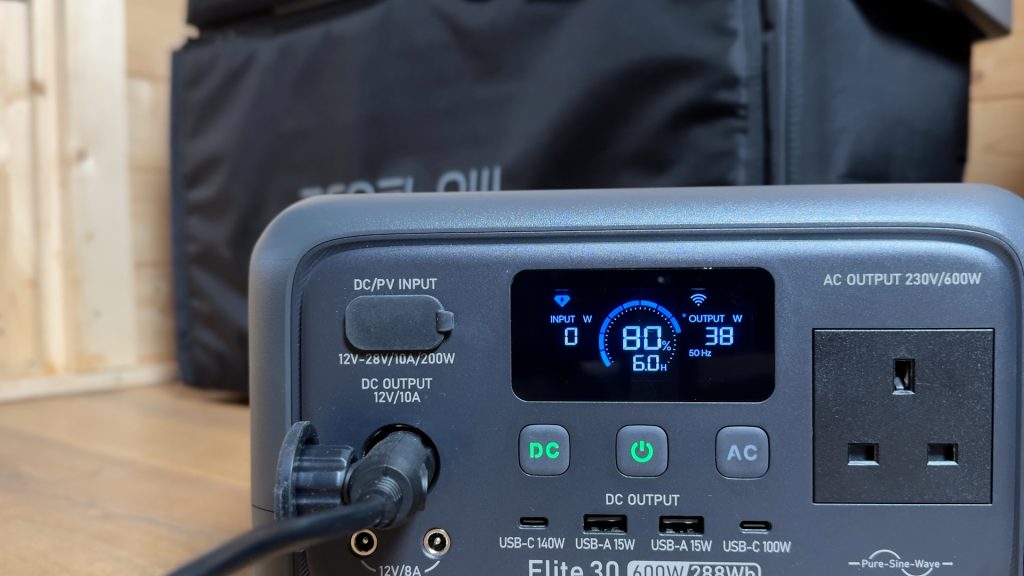
I also tested the 12 V DC output to its limits. It’s rated at 10 A, and while voltage started to drop after that point, it didn’t shut off until around 12.5 A. Given the lower parasitic drain on DC, that would be the better output for something like a portable fridge freezer.
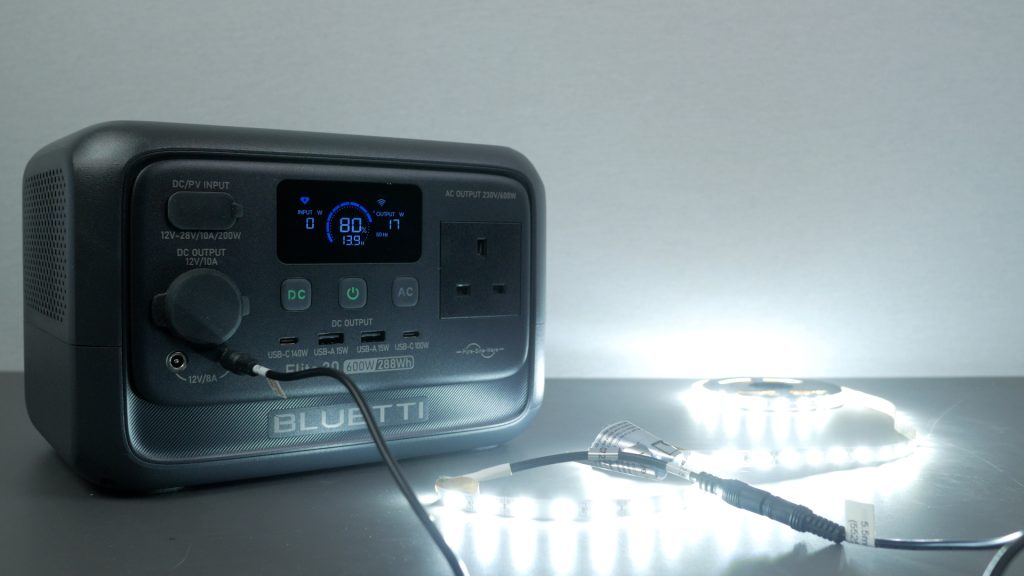
There are also two DC5521 12 V 8 A outputs, which are becoming increasingly rare. I don’t use them much, but they’re nice to have.
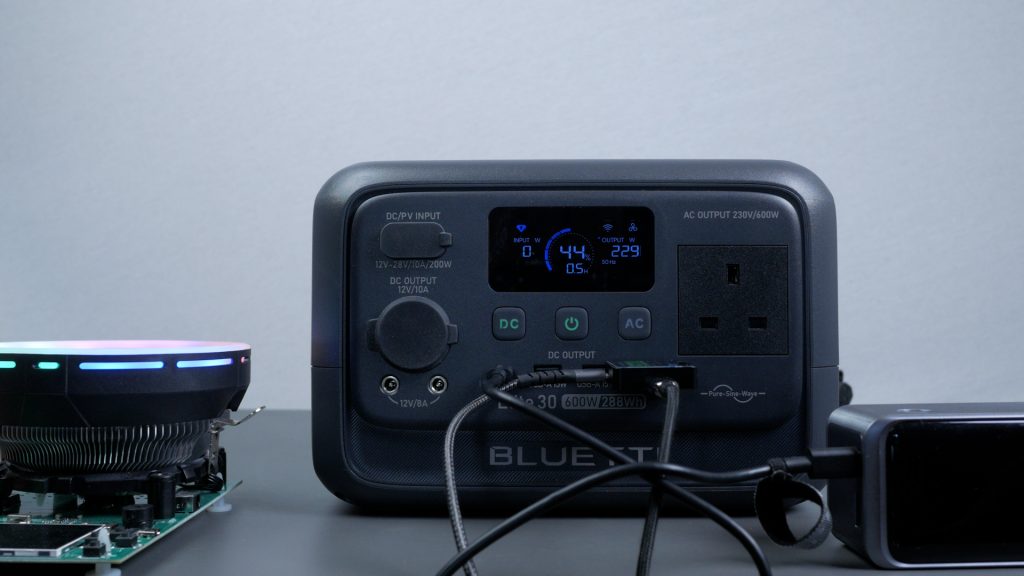
USB output is another strong point. There’s a 140 W USB-C port, alongside a second 100 W USB-C output. I was able to max both out simultaneously for a combined total of almost 240 W.
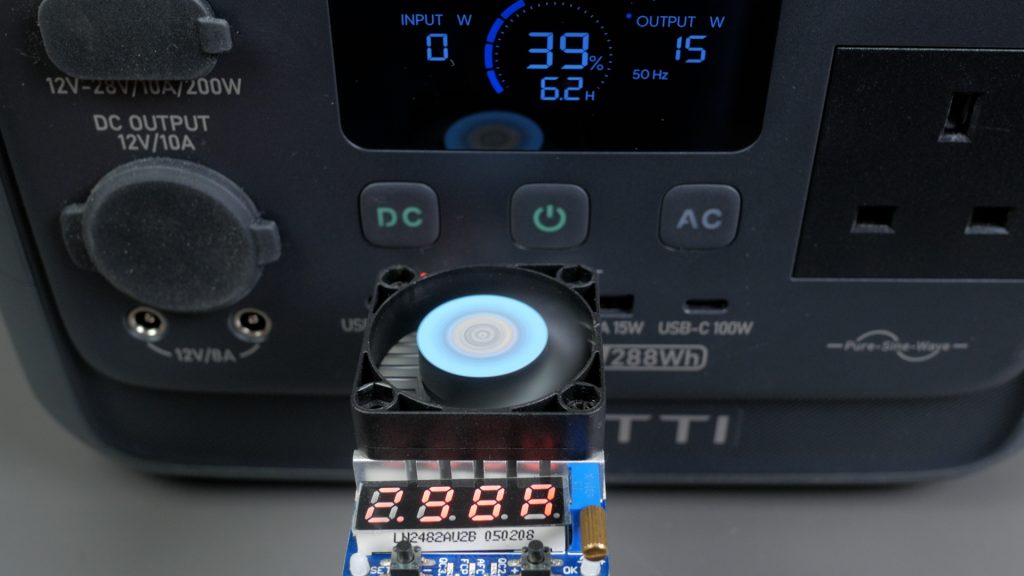
The USB-A ports deliver a standard 15 W, or 5 V at 3 A, which I confirmed, but they don’t support any modern fast-charging standards.
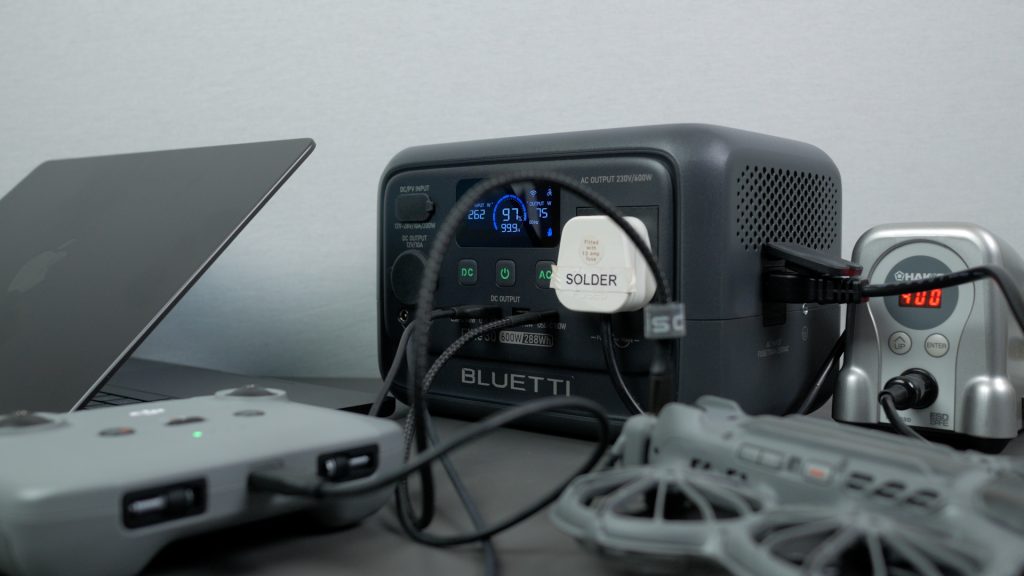
All outputs support passthrough charging, so you can power your devices while charging the unit itself. Considering how useful it is as a very portable charger, it’s a shame Bluetti has dropped the wireless charging pad found on the older EB3A.
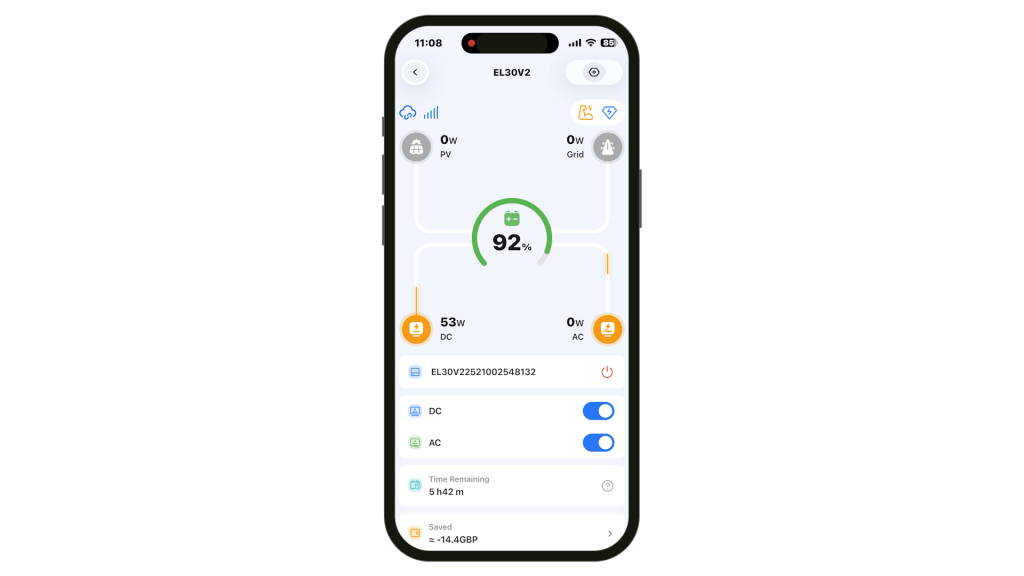
I’ve already mentioned the smartphone app, but it’s genuinely useful for configuring, controlling, and monitoring the power station — either locally over Bluetooth or remotely over Wi-Fi. Many settings can also be changed directly on the unit itself, such as charging mode or Eco mode, without opening the app which is really useful.
Conclusions
Overall, the E30 V2 is a well thought-out compact power station at a fair price — especially when discounted. Despite its small size and light weight, it offers a generous 600 W inverter, a 140 W USB-C output, fast charging, and built-in car and solar charging, which is an impressive combination at this end of the market.
There are some compromises that come with fitting a relatively large AC inverter into such a small power station. Parasitic drain is quite high — if you leave the AC output enabled without Eco mode, you could come back to a flat battery the next day. Its peak or surge capability also appears a little lower than I’d hoped, so it may struggle with devices that have motors, even if they’re rated below 600 W.
That said, this power station isn’t designed to run demanding appliances for long periods. Instead, it’s best suited to charging everyday tech and providing short-duration backup power. Where it works particularly well is as a small UPS, thanks to its almost silent operation and fast transfer times. Even if you only make use of its full off-grid capabilities occasionally, it still makes sense to keep it at home the rest of the time acting as a dedicated UPS, perhaps for your WiFi router. The 288 Wh battery is more than sufficient for that role.
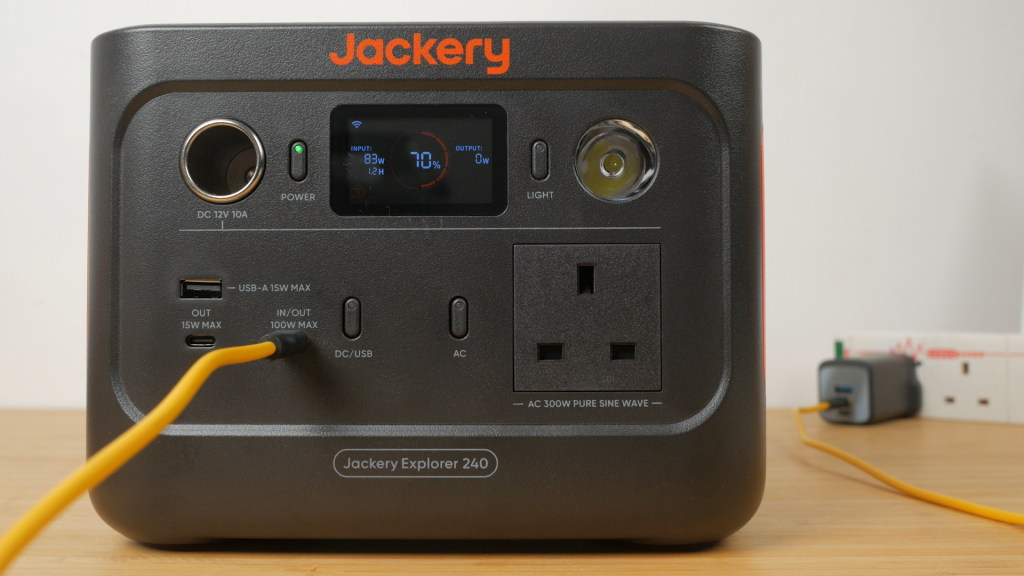
Its closest rival I’ve tested is the Jackery Explorer 240 V2. It’s a little lighter and can be charged over USB-C, which is convenient. However, the Bluetti offers standard XT60 DC charging, a larger inverter, a 140 W USB-C port, and slightly more battery capacity, making it the more capable option overall.
Don’t forget to take a look at my YouTube video at the top of the page, and again please subscribe to my YouTube channel where I’m releasing videos every week on the latest technology and how to get the most out of it. If you tap the bell icon when you subscribe you’ll get a notification as soon as I release a video, and there’ll be a link to my site here for the written article. YouTube is also the best place to leave a comment. I read all of them and respond to as many as I can!
Amazon Links:
Bluetti Elite 30 V2: https://geni.us/Zi97JE8
As an Amazon affiliate, I get a small commission from purchases made via any Amazon links.
Leave a Reply