The Ace Pro 2’s been out for a while – but Insta360 has released some accessories that make it far more usable – and a lot more fun.
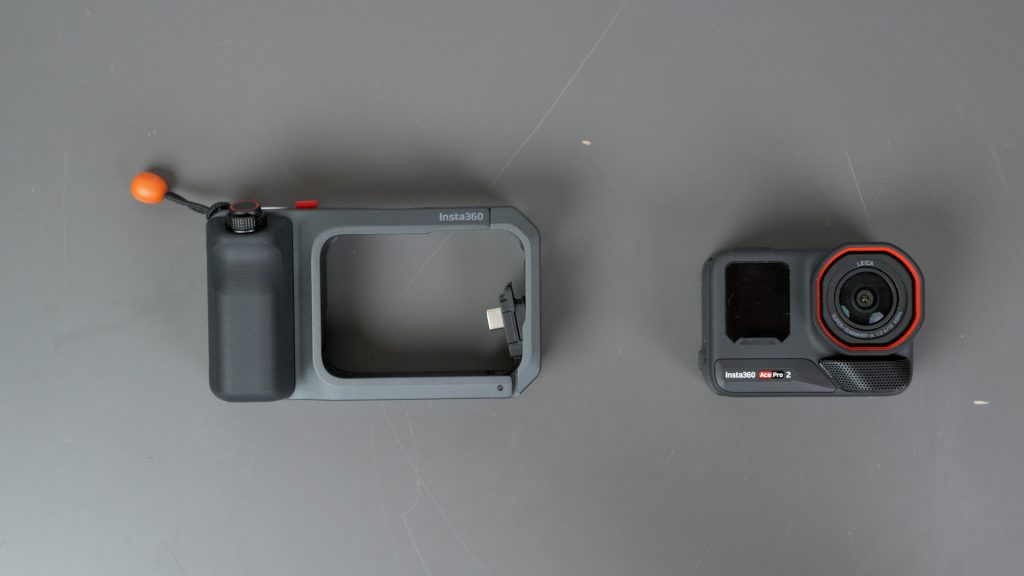
First up is the Xplorer Grip Pro, which really pulls all the accessories together. Remove the microSD card door, slide the camera in, connect the USB-C plug, then lock it shut. One thing to note, by removing the card door you do lose the waterproofness of the action camera.
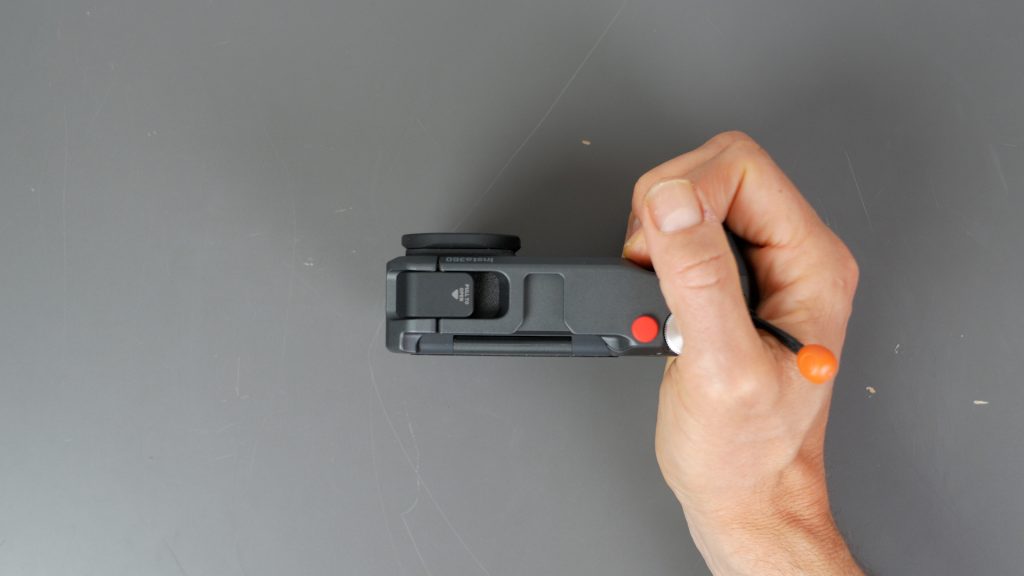
The grip makes the camera so much more usable. Action cameras are great mounted but awkward to use on their own. I find the Ace Pro 2 better than most with its flip up screen, but still.
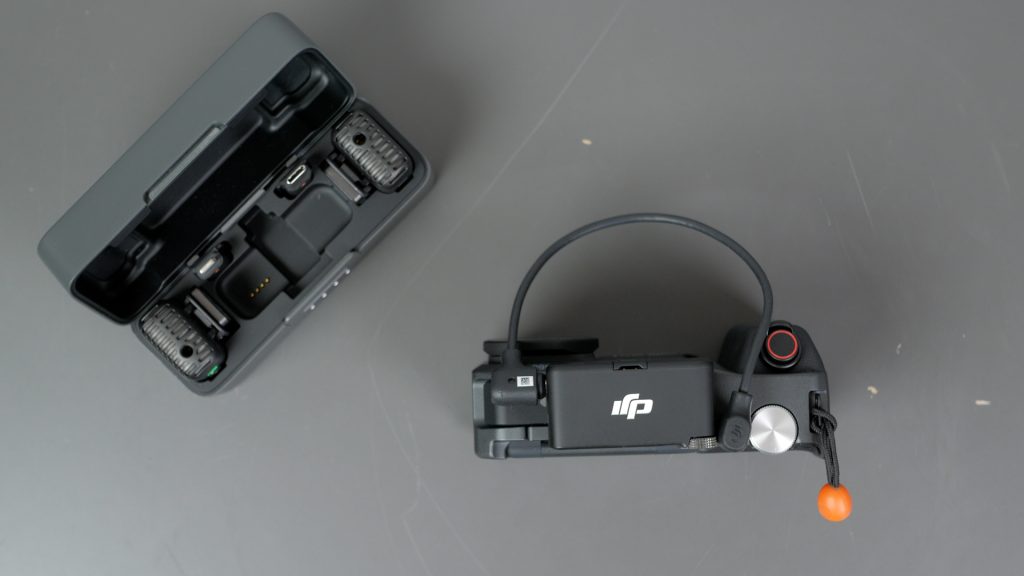
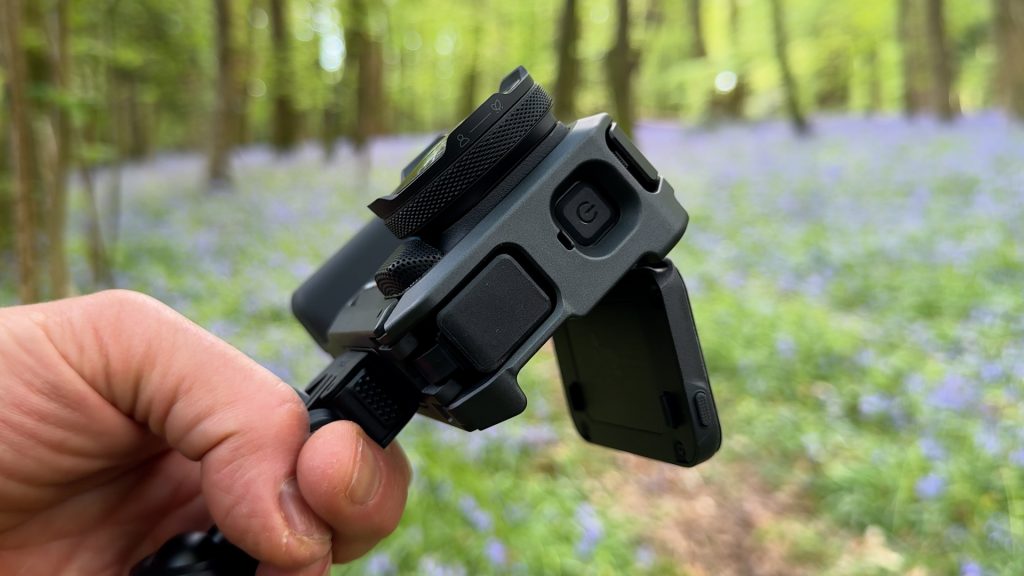
Now you’ve got a proper grip, a far more tactile shutter button with a zoom lever and my favourite feature, the super smooth configurable dial. You also now have a 3.5 mm audio input so you can use the camera with almost any microphone.
And the grip has an integrated 2010 mAh battery which will charge the Ace Pro 2’s 1800 mAh battery – so you get over double the runtime with the grip attached.
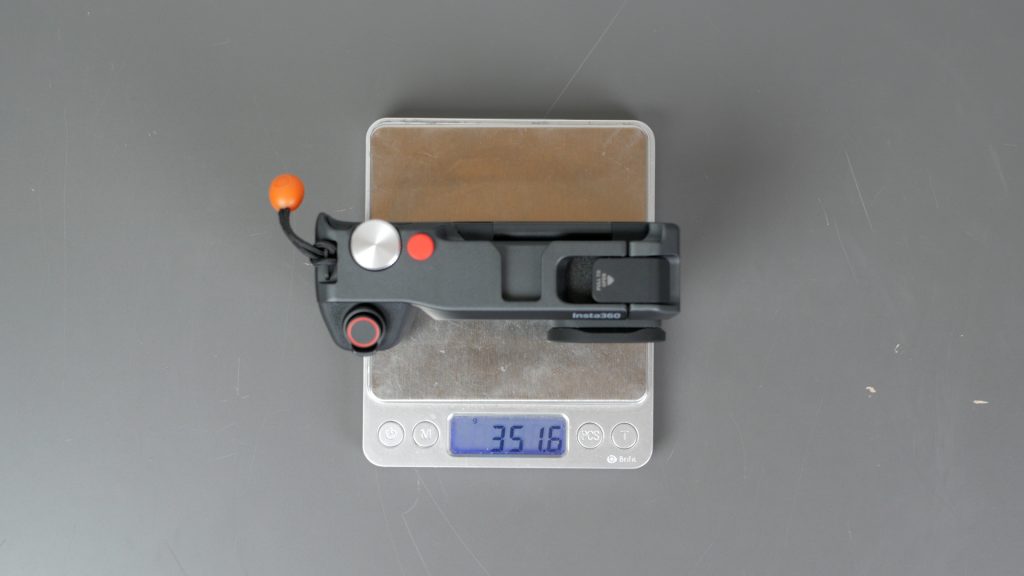
All this does bring the weight up to over 350 g, but that’s still around half the weight of my compact mirrorless camera with a small fixed lens.
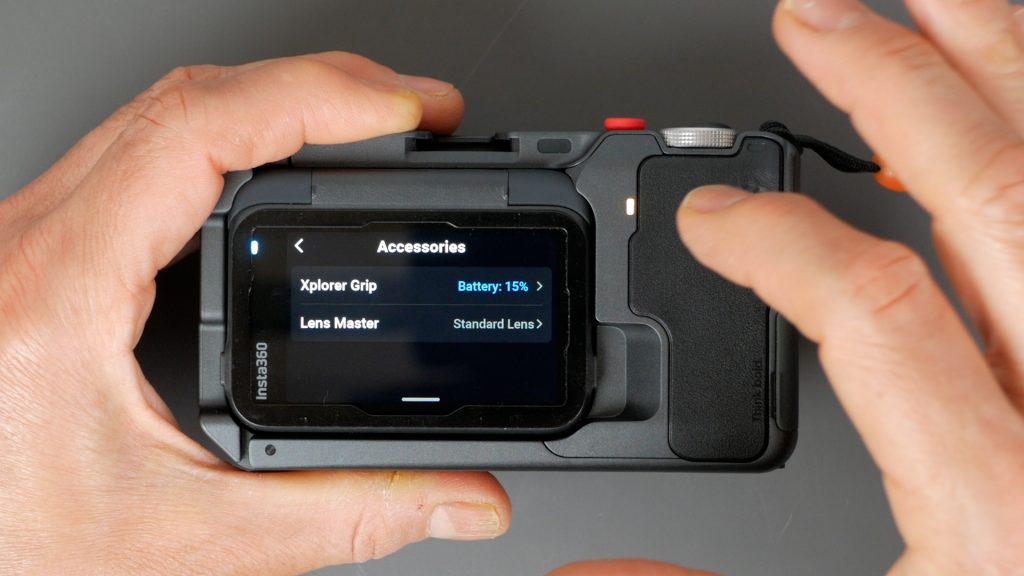
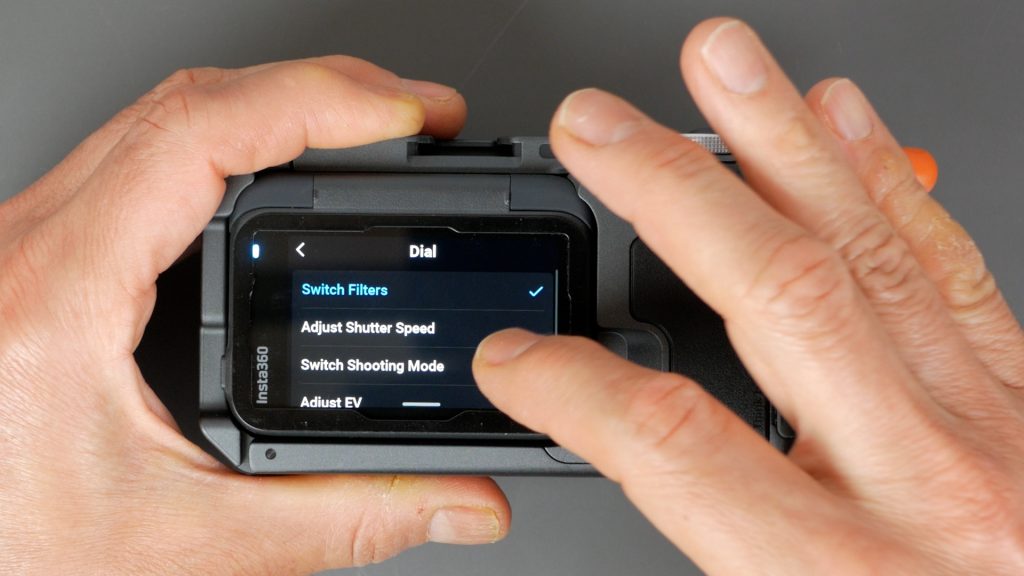
The camera automatically recognises the grip is attached and if you go into settings you can see the battery level of the grip and configure the dial. By default the dial will switch colour filters, but I often change it to switch shooting mode.
You charge the grip via the USB-C port under the rubber flap.
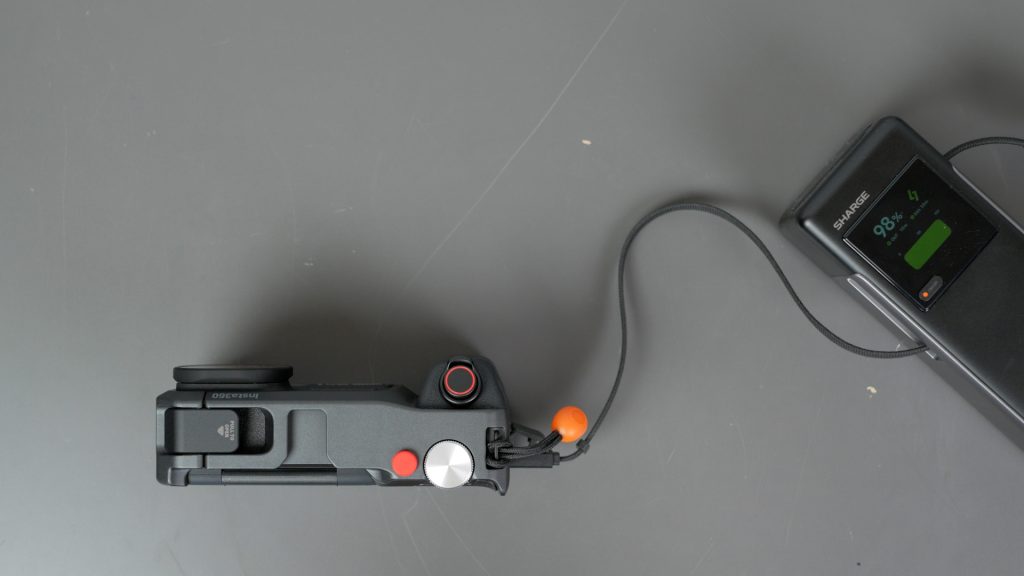
There’s also a microSD card slot here, but only to store a spare card. A place to store the removed door would have been useful – it’s very easy to lose, but if you own a 3D printer someone’s already designed one that uses the hot shoe mount for storage. I’ll link to it below.
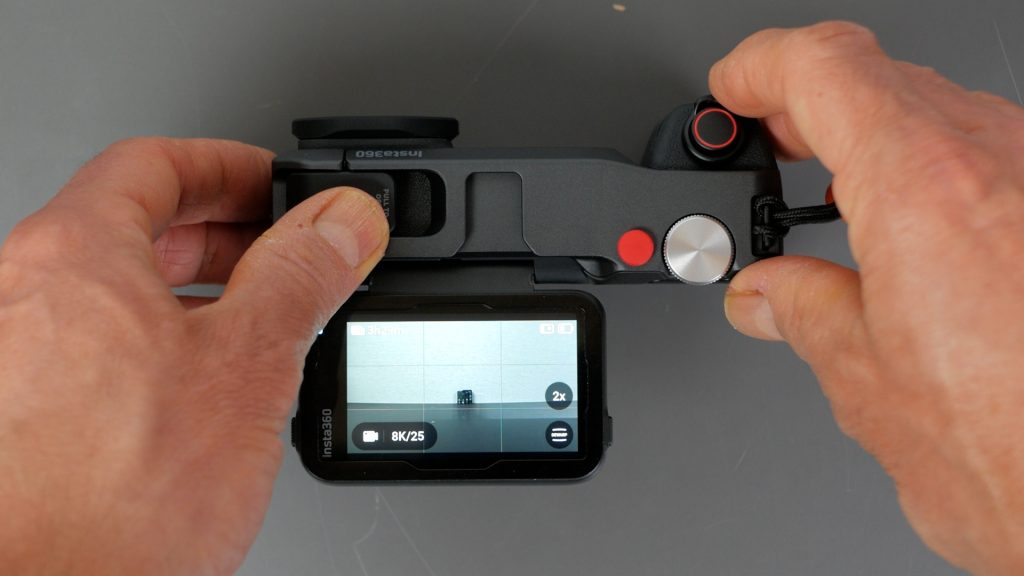
I mostly shoot in 8K mode and with a flick of the zoom lever you can punch in 2x without losing image quality. If you hold the zoom lever you can smoothly zoom in and out but that will use digital zoom with its accompanying reduction in quality.
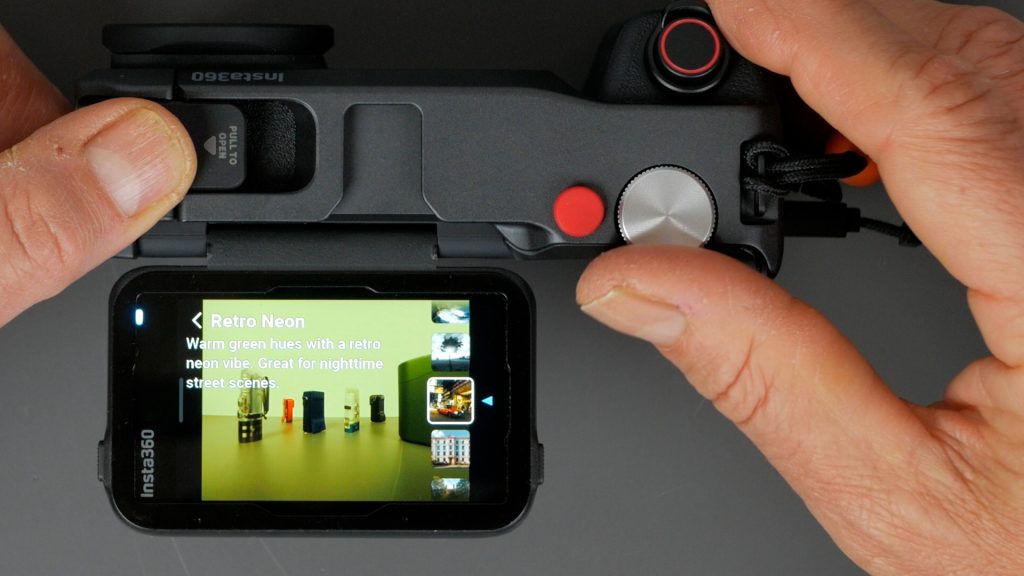
Rotating the dial you can switch between 18 colour filters including 4 from Insta360’s Leica collaboration.
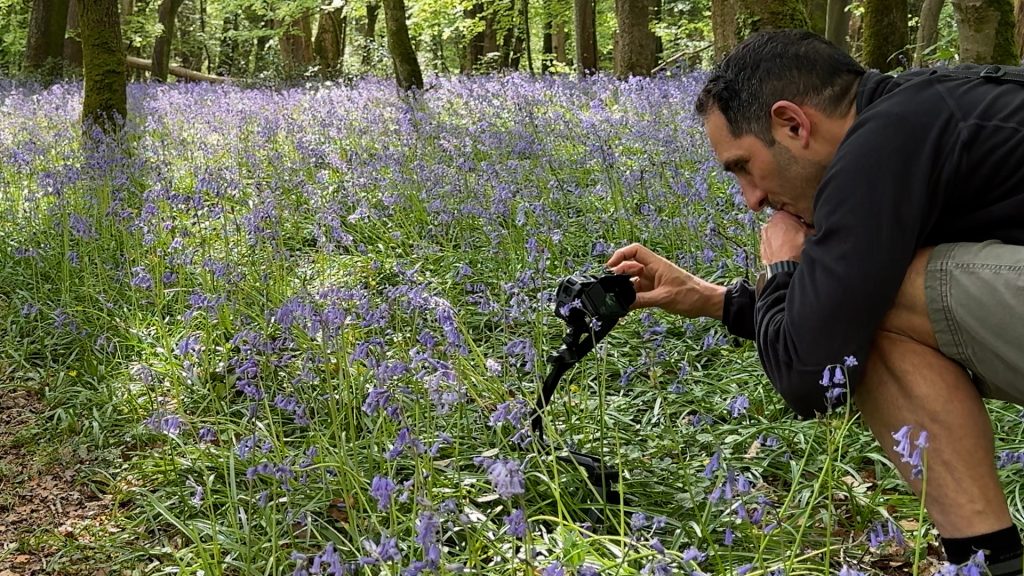
You can preview them live to see what works.
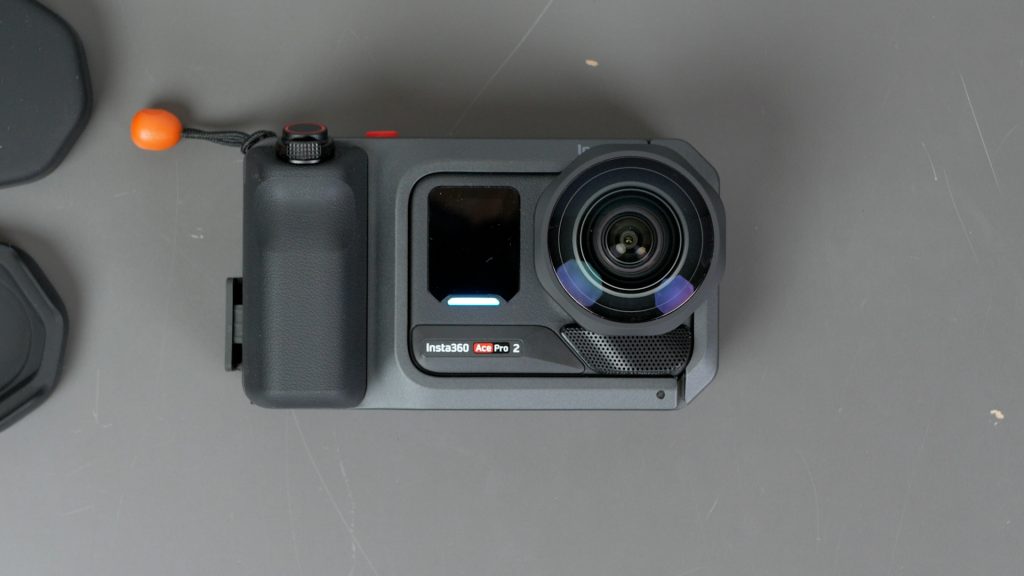
Insta360 have also released three add-on lenses that can be easily installed. Just twist off the standard lens, and twist on – in this case the ultra-wide lens.
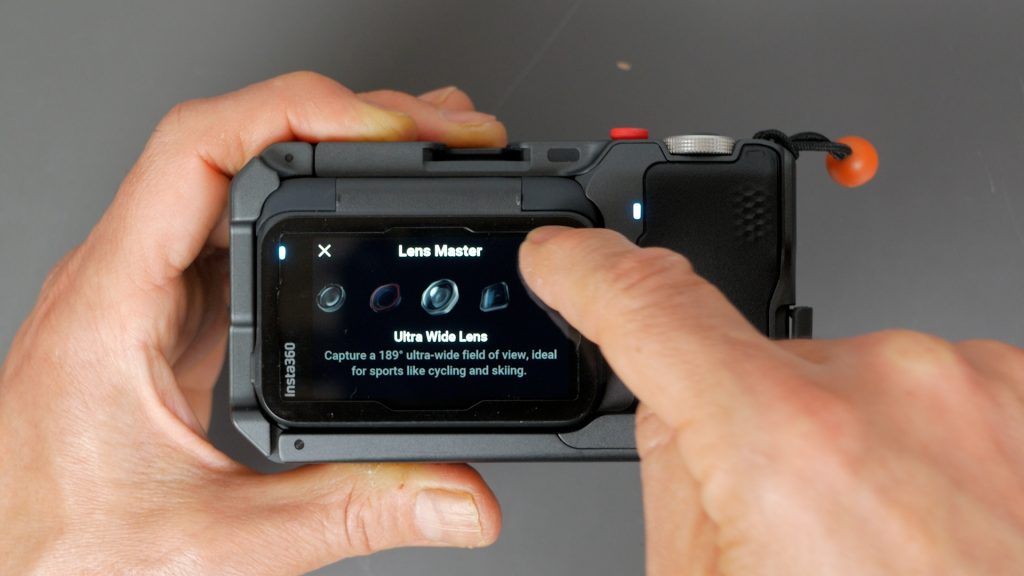
There’s no electronics on the lenses unfortunately so you do need to remember to go into the lens menu to choose the installed lens – that’s caught me out a few times.
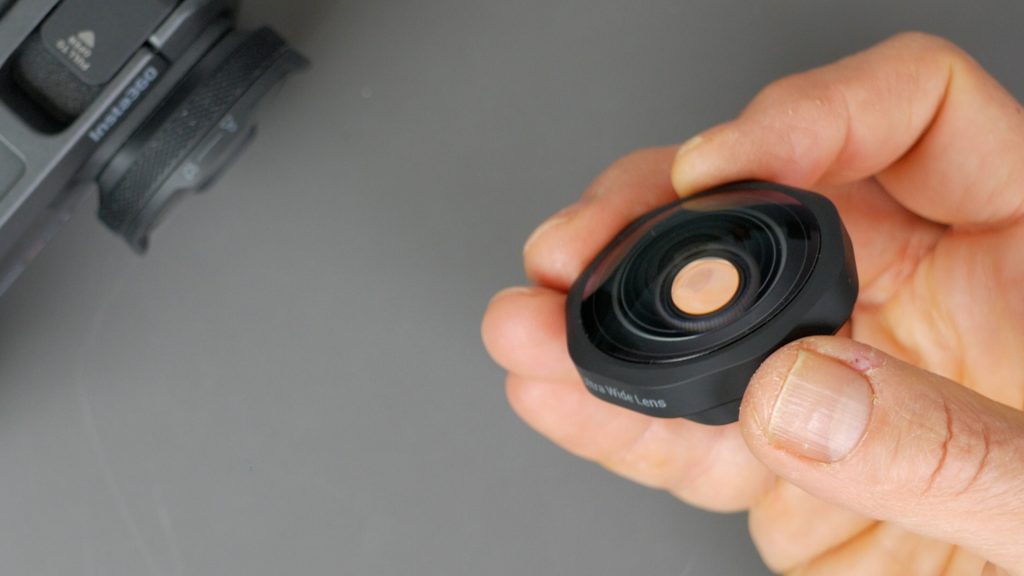
But the lenses are well built and all glass. And I don’t notice a reduction in image quality which is no mean feat.
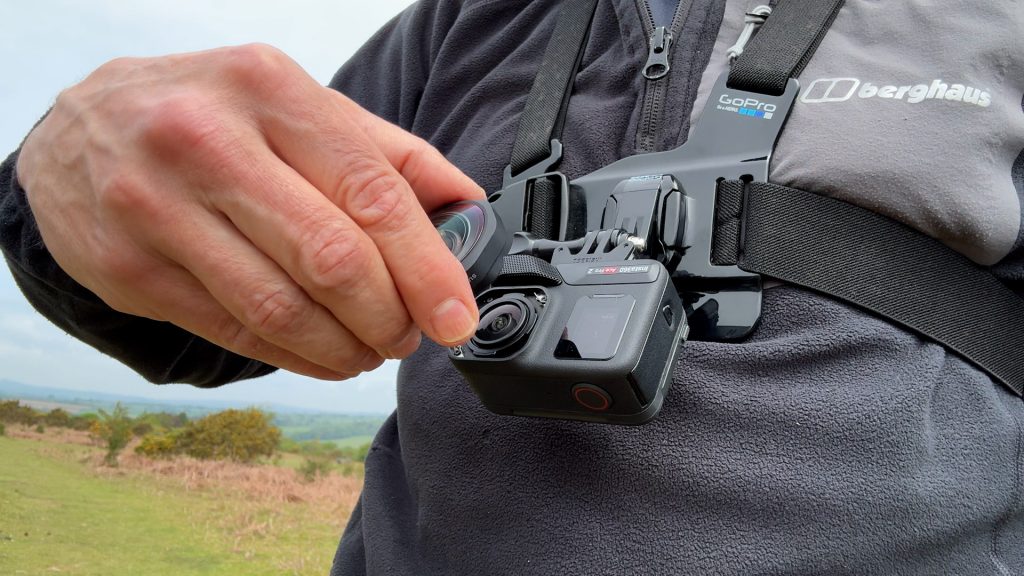
You don’t need to use the lenses together with the grip, and the camera is still waterproof with just the lenses installed.
The ultra-wide lens gives you a massive 189° field of view – almost like one side of a 360 camera like the Insta360 X5. It’s so wide you need to be very careful not to get your fingers in the shot.
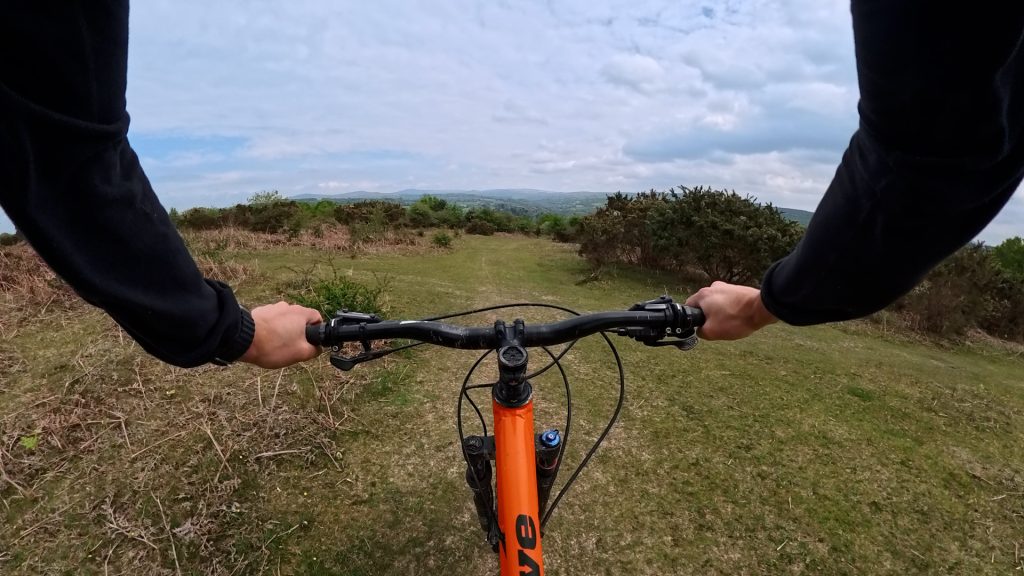
This lens is great for immersive action sports like mountain biking. You can see the difference compared to the standard lens — with that roughly 20% increase in field of view. One slightly odd bug I noticed in the current firmware – I couldn’t configure the lens when the GPS remote was connected – I hope Insta360 can fix this, since I love using the remote for cycling.
The close-up lens reduces the minimum focusing distance to 10 cm – a big improvement over the standard lens.
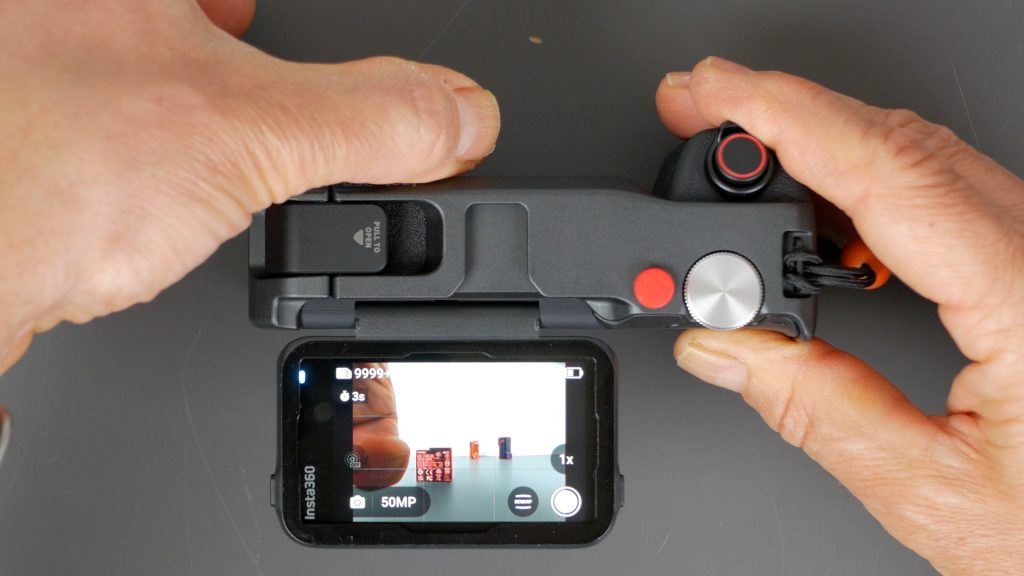
There’s a focus peaking option in the accessory menu that highlights what’s sharp in red, along with a dial to adjust the focus range from 10 to 75 cm.
In my testing though, the focus peaking often showed most of the image in focus regardless of the dial position, and it doesn’t work in 8K video mode.
I’d also like to see some kind of marking on the dial to show its position at a glance — at the moment you have to rotate the lens to check.

10 cm is still not close enough for macro shots, so I wouldn’t consider this a macro lens, but you can still get some interesting shots. And in the 10 cm position you even get some background blur.
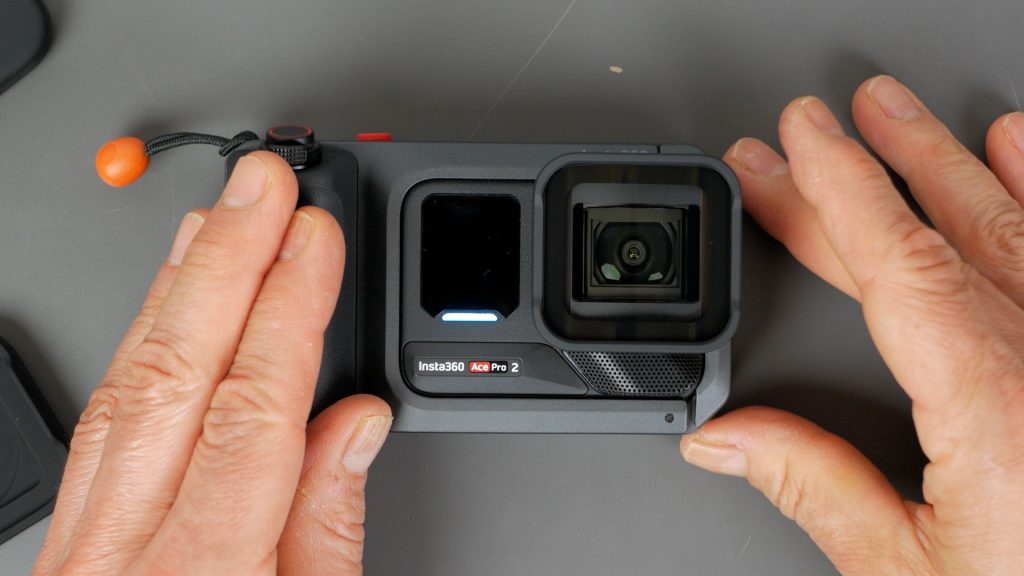
The final add-on lens I have is the Cinematic lens, which gives you that wider 2.35:1 aspect ratio. It’s not a true anamorphic lens, but it does give a more film-style feel straight out of camera, especially when combined with some of the film style filters.
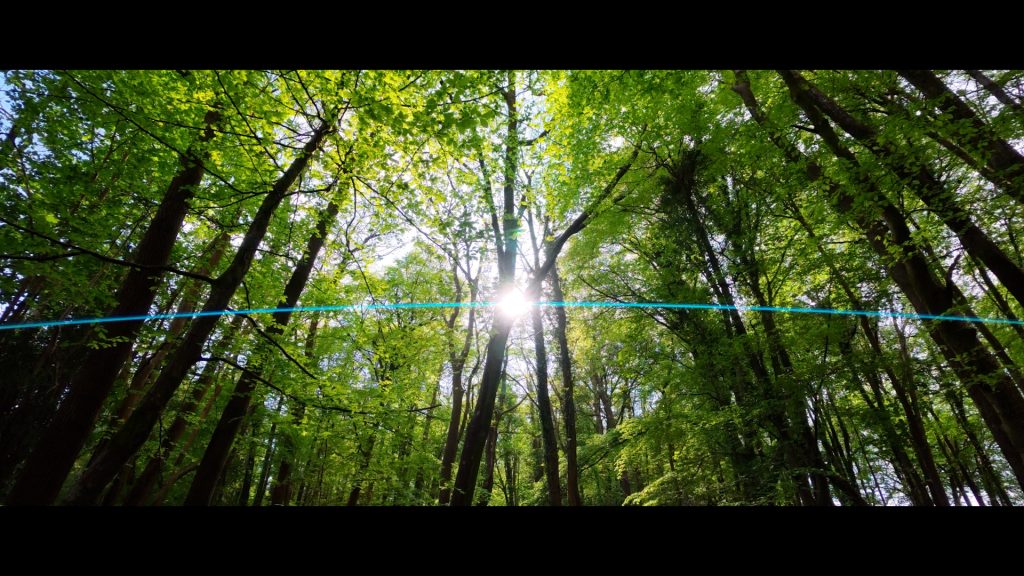
And with a strong light source, like the sun coming through the trees here, you get that classic lens flare effect.
I’d love to see a longer focal length lens as well – something like a 50 mm or 75 mm full-frame equivalent.
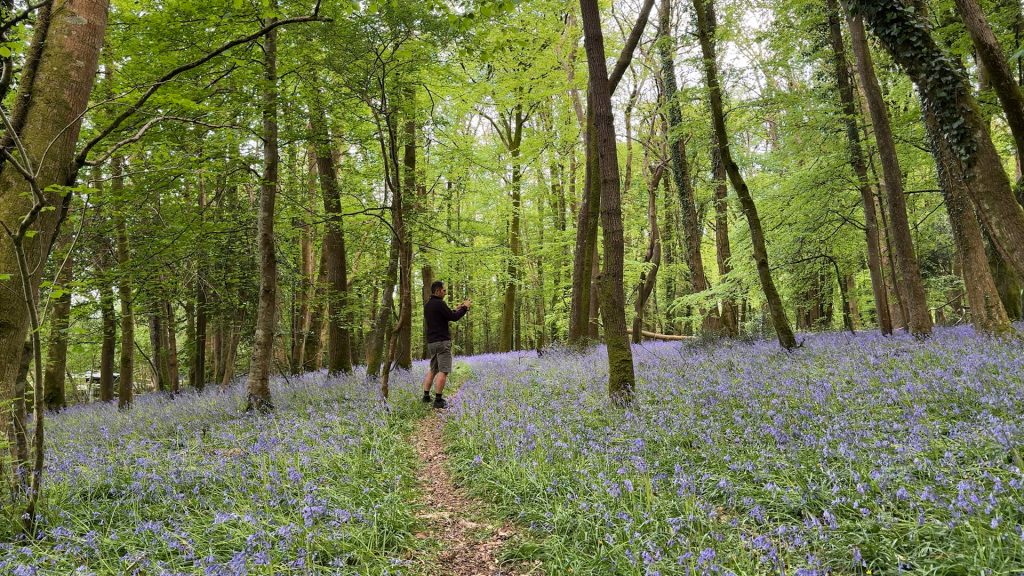
But put all this together, and the Ace Pro 2 starts to feel much more like a proper pocket camera rather than a typical action camera – making it much more versatile.
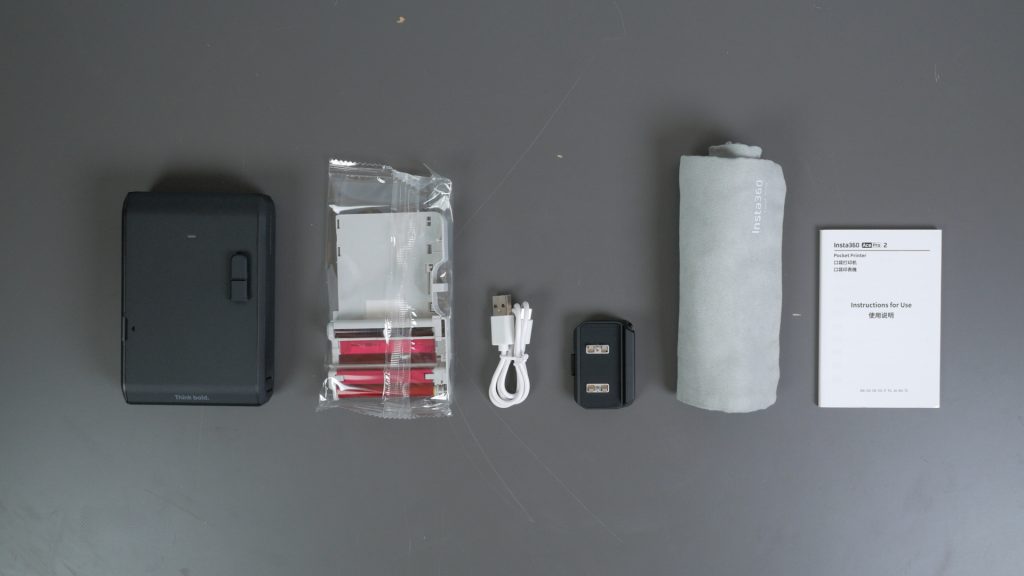
My favourite accessory though is the new Pocket Printer. Open the flap, slide in the 10 photo cartridge and turn it on with a long press of the power button. It weighs just under 320 g with its 800 mAh integrated battery that’s charged via USB-C.
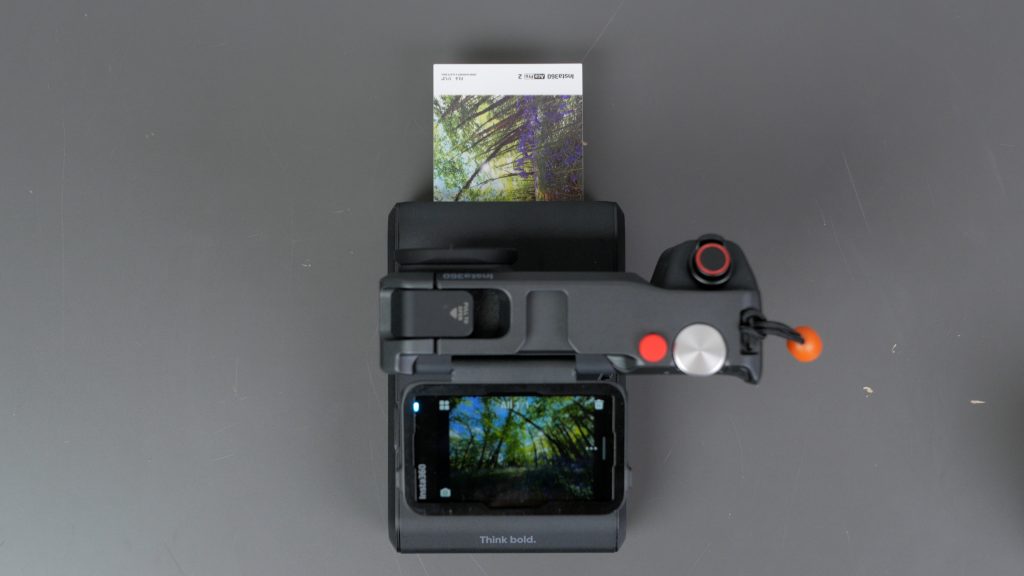
The printer can be used in three ways. You can connect the camera to the printer and use it like an instant camera. There’s a quick release bracket that slides onto the printer in two orientations, one for instant camera mode and the other for storage. When you take a photo, it can be immediately printed.
Or you can select a photo off your camera and send it to the printer.
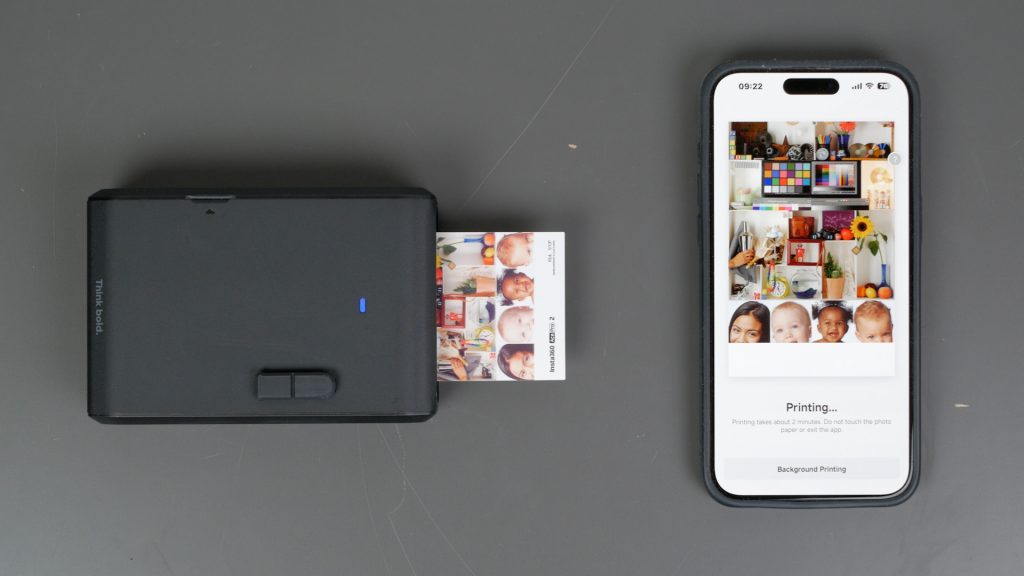
And finally, a very welcome feature they’ve just added, you can print photos off your smartphone over Bluetooth.
Printing with the Ace Pro 2, you need to power on the printer and pair it over the Bluetooth. If the blue light on the printer isn’t flashing, hold the power button for 3 seconds to enter pairing mode. Connect the printer in the Bluetooth Devices menu. In that menu you have the option for a Leica watermark, and the classic bordered Polaroid layout or the more modern Frameless layout.
In instant photo mode you do get a preview and a prompt to print the photo, so there’s no wastage. To print any photo off your microSD card, select the photo in Playback and tap on the three dots to print.
To print via your smartphone, it’s a little convoluted. In the Insta360 app you need to click on your profile, then under Device Settings select Pocket Printer, then Connect. You need to be disconnected from the printer on the camera. Then select Print Photo and choose a photo from your smartphone to print. You get the Frameless or Frame option, and you can crop, but that’s it. You can’t adjust colours or add text.
It’s a dye-sublimation printer, so it prints each colour in separate passes, then finishes with a waterproof lamination layer. That makes it a bit slow, but you get good quality, long-lasting prints. And the price per print is pretty good – in the UK it’s about £10 for 20 prints which includes the ink and paper.
The paper size is 54 mm by 82 mm, but the bottom 11 mm isn’t usable — it’s taken up by Insta360’s branding and the shutter speed/exposure info, and you can’t disable it, which is a bit frustrating.
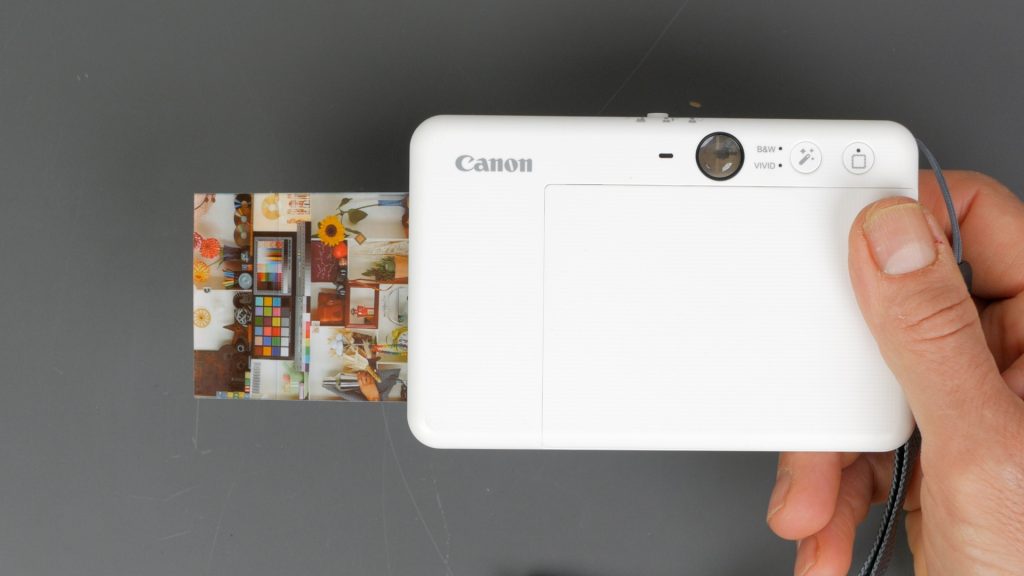
To compare the quality I printed a stock test image on the Pocket Printer, my daughter’s Canon Zero Ink or Zink printer and my Epson 6 colour photo printer. The Pocket printer took just under 2 minutes, the Zink printer took just over 1 minute and the Epson printer took less than a minute although I did have to cut the photo to size.
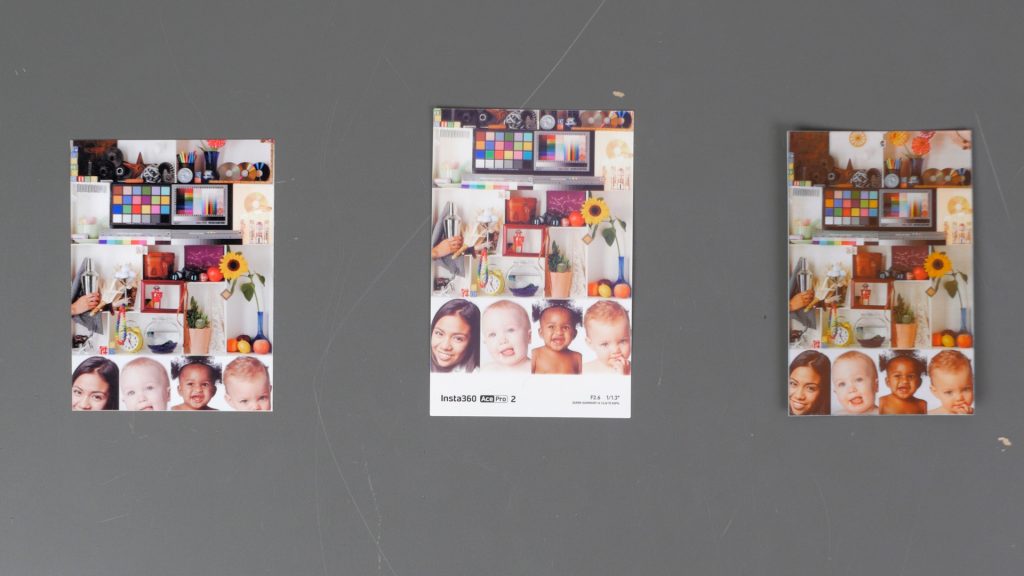
Unsurprisingly the Epson had the most accurate colour and sharpness, but the Pocket Printer was a close second – much better than I was expecting. The Zink print is a fair bit behind with its thermal technology, but does have the advantage of printing completely borderless and having a sticker back.
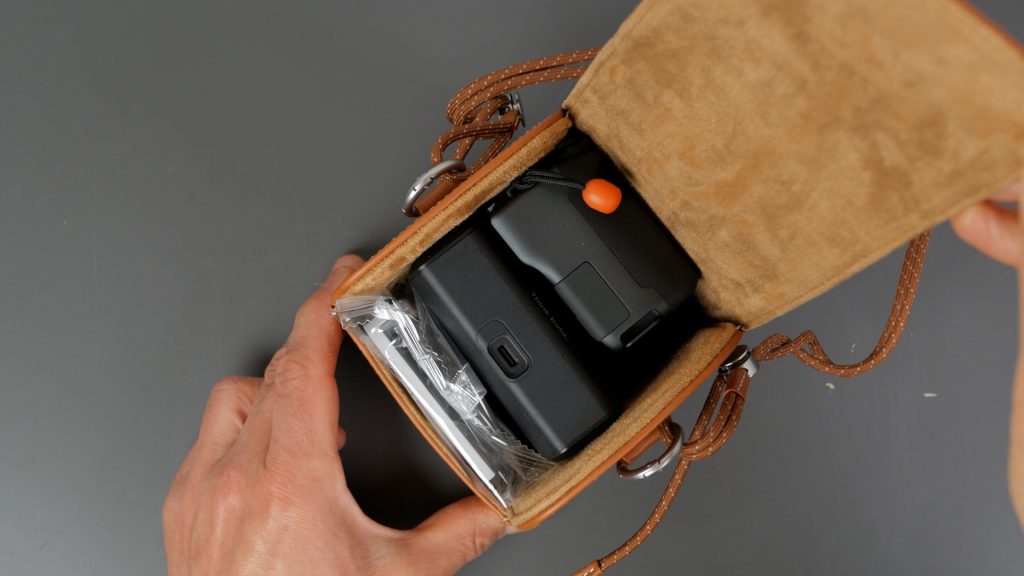
Insta360 also makes a really nice leather case that fits the camera in the Xplorer Grip, along with the Pocket Printer — and like many of their accessories, it’s well priced. Unfortunately I’ve been forbidden from modelling it by my daughter, but it’s pretty smart you can see everything fits neatly inside.
Overall, a solid set of accessories that make the Ace Pro 2 more usable — and a bit more fun.
Don’t forget to take a look at my YouTube video at the top of the page, and again please subscribe to my YouTube channel where I’m releasing videos every week on the latest technology and how to get the most out of it. If you tap the bell icon when you subscribe you’ll get a notification as soon as I release a video, and there’ll be a link to my site here for the written article. YouTube is also the best place to leave a comment. I read all of them and respond to as many as I can!
Affiliate links (please consider using if this article or accompanying video helped you out – thank you!)
Purchase directly from Insta360:
Insta360 Ace Pro 2
Insta360 Pocket Printer
Insta360 Xplorer Grip Pro
Insta360 Close-up Lens
Insta360 Ultra Wide Lens
Insta360 Cinematic Lens
Insta360 Leather Case
Insta360 Flip Screen Hood
Leave a Reply